
AI subtitles for Adobe Premiere Pro.
From your first transcript to your final cut. Start in Premiere Pro, refine and translate in Taption, then bring your subtitles straight back to the timeline.
Install via Adobe Exchange. Requires Premiere Pro and a Taption account.
40+ transcription languages
50+ translation languages
Direct timeline import
From spoken words to your final cut.
A connected subtitle workflow for the editor you already use.
Install and connect
Get Taption from Adobe Exchange. Open the plugin in Premiere Pro and sign in to your Taption account.
Transcribe and refine
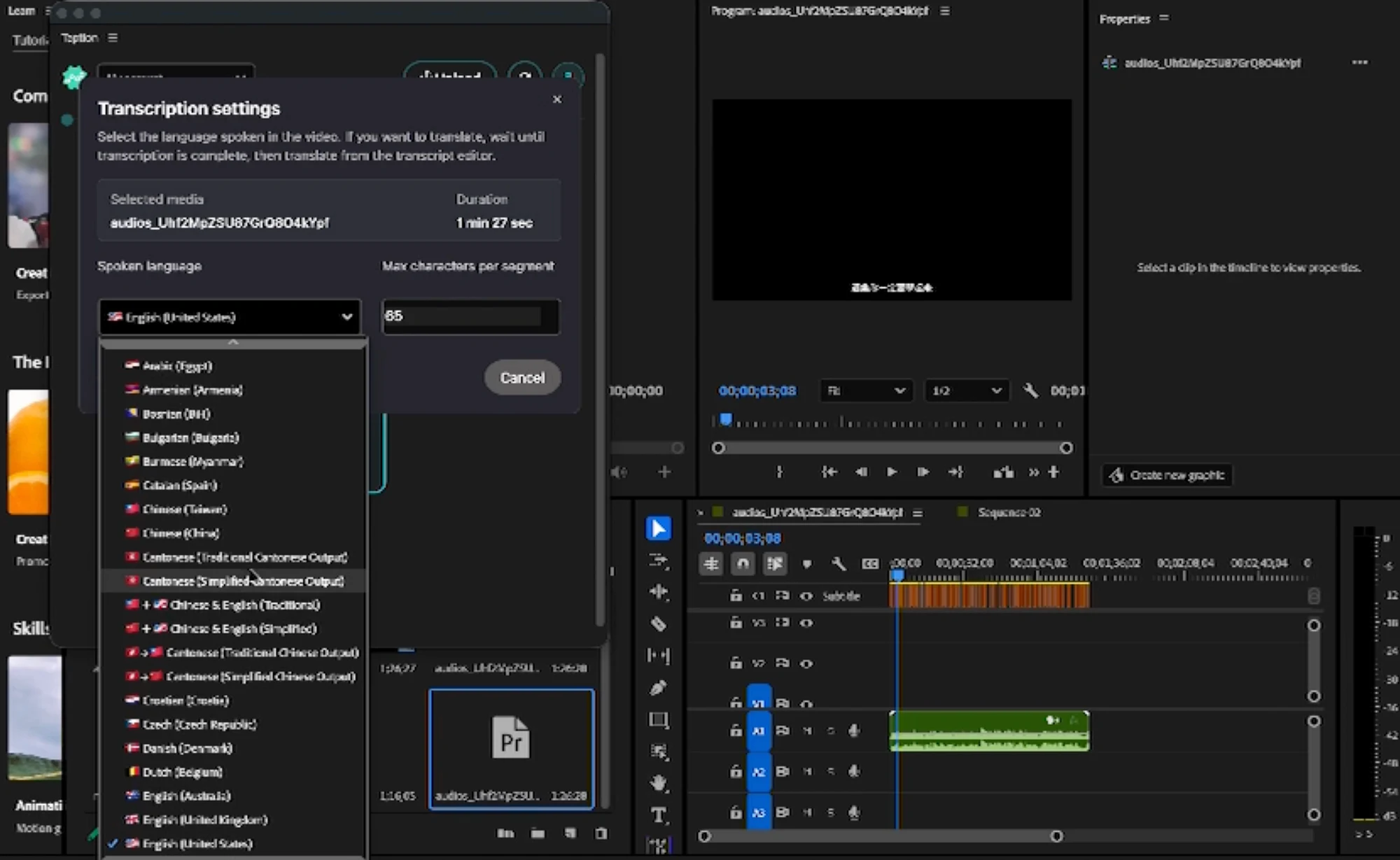
Select your audio or video, upload it, and choose the spoken language. Open “Edit Transcript” to proofread and translate in Taption.
Bring subtitles back
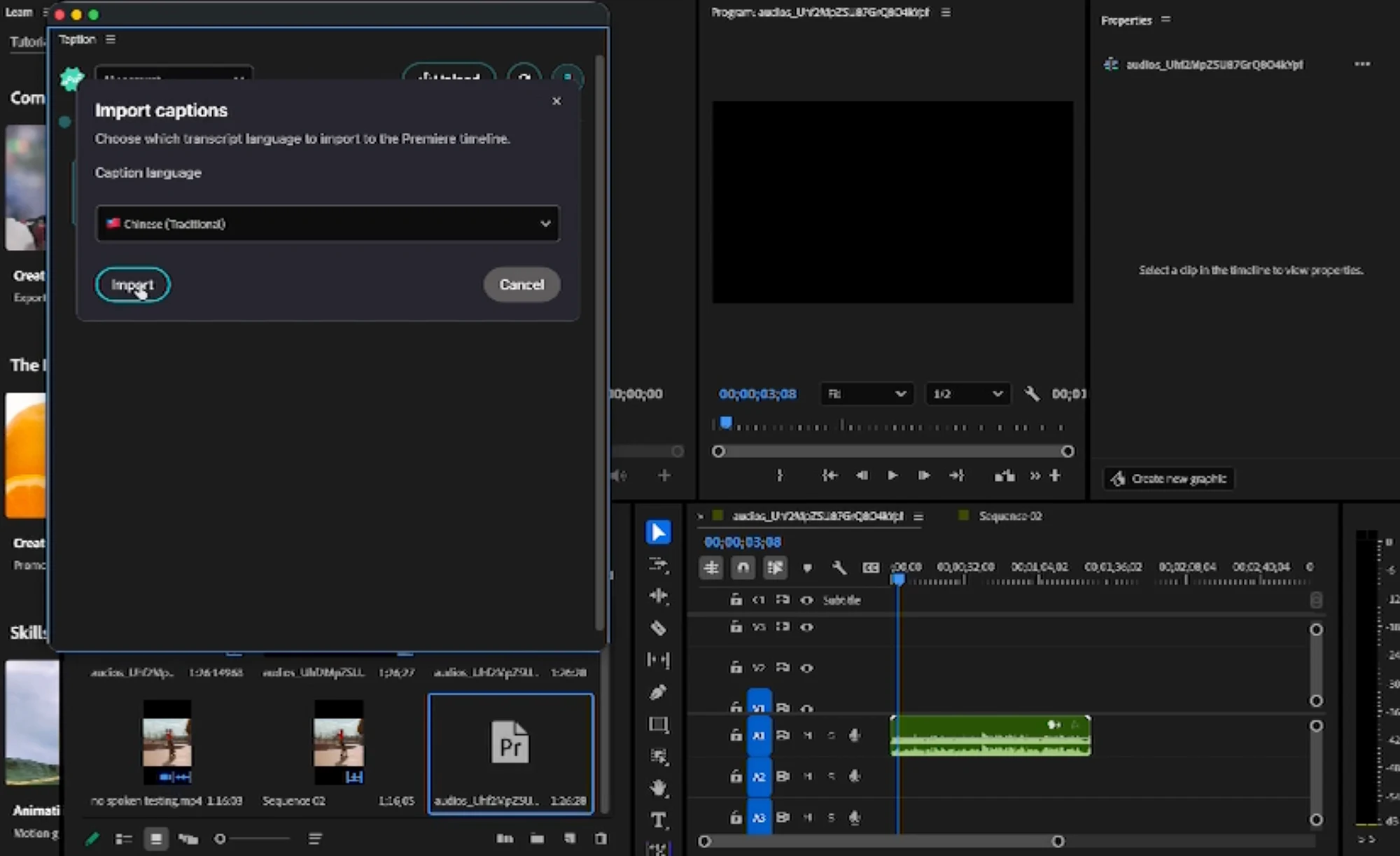
Return to the plugin, choose your caption language, and import to the timeline. No manual SRT download and re-import.
Your story. More languages.
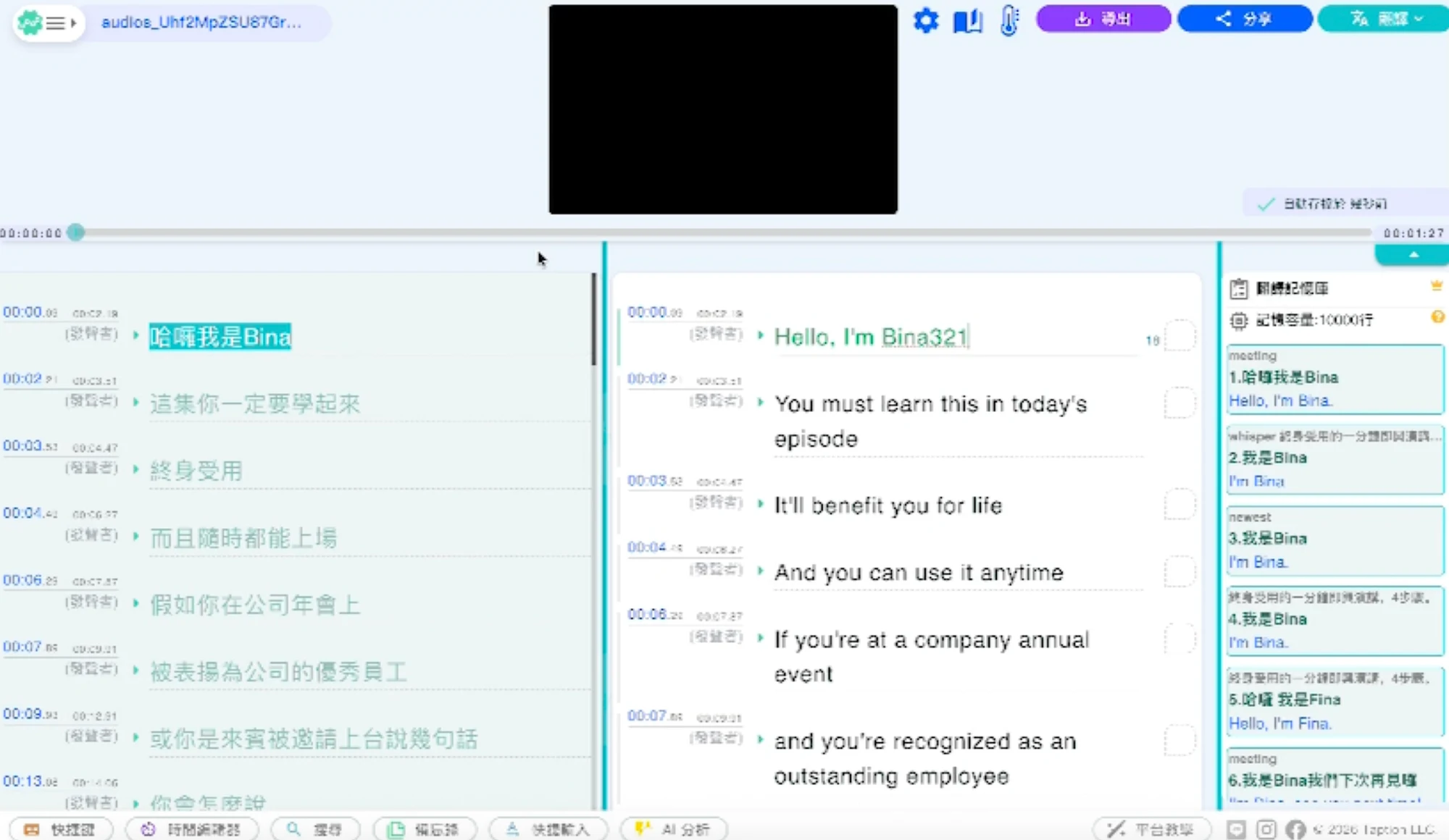
Translate subtitles into 50+ languages. Compare the translation with the original, refine the wording in the bilingual editor, and return to Premiere Pro ready for the next cut.
Explore subtitle translationBefore you get started.
Read the setup guideWhere do I install the plugin?
Install Taption from Adobe Exchange, then open it in Premiere Pro and sign in. Check the Exchange listing for current version and system requirements.
Where do I edit and translate subtitles?
Choose “Edit Transcript” in the plugin to open Taption’s cloud editor. Review the text and translation there, then return to Premiere Pro to import your captions.
Do I need to export an SRT file?
No. The plugin imports captions directly to your Premiere Pro timeline after you select the subtitle language.
Which Taption plan do I need?
You need a Taption account. See the pricing page for current plans, included minutes, and usage details.
Make subtitles part of your next edit.
Connect Taption to your Premiere Pro workflow.