
AI Audio to Text Transcription
Transcribe audio files to text online
Taption is browser-based AI audio-to-text transcription software that uses speech-to-text to convert audio files into editable text online. Upload MP3, WAV, M4A, AAC, FLAC and other audio formats to generate transcripts with timestamps and punctuation. Choose speaker labeling for conversations, then review and export your transcript in the editor.
Try a clip up to 5 minutes instantly. New accounts get 20 free transcription minutes — no credit card required.
Try free online audio to text transcription
Upload an MP3, M4A, WAV or other audio file up to 5 minutes and 200 MB. Generate a transcript with timestamps and punctuation, or choose speaker labeling. Sign in to edit and export.
More than 5 minutes or 200 MB? Sign in to Taption for up to 5 hours and 5 GB per file.
Transcribe audio files to text online
AI audio to text transcription software for professionals
Taption is browser-based transcription software for professionals, with nothing to install. Its automated audio-to-text transcription service uses AI to create a first draft so you can focus on reviewing the words and preparing the result for your work.
- Timestamped transcripts: Click text to jump to the exact moment for review and citation
- Editable text: Correct names, technical terms and punctuation against the recording
- Speaker diarization: Choose speaker-based segmentation for meetings and interviews
- Multi-format output: Export documents for sharing or subtitles for video
- Audio formats: Upload MP3, M4A, WAV, AAC, FLAC, WMA or OPUS recordings directly
Manual transcription vs AI speech to text
Comparison:
| Manual Transcription | Taption AI |
|---|---|
| Repeated listening and typing | Automatic speech recognition |
| Manual timestamps | Built-in timecodes |
| Plain text output | Transcript and subtitle files ready to export |


Audio transcription formats and export options
| Format | Best for | Tools |
|---|---|---|
| SRT / VTT | Subtitles & captions | YouTube, Vimeo |
| FCPXML | Editing timelines | Final Cut Pro (FCPX) |
| TXT / PDF | Meeting notes | Docs & sharing |
| MP4 (custom image + subtitles) | Podcast episodes and audio clips as video | Audio to video |
| JSON | Segment- and word-level timing, speakers and confidence scores | Your own apps and data tools |
| Customized format | Your own layout of timecodes, line numbers, speakers and text | TXT / PDF templates |
Transcribe meetings, interviews, podcasts and lectures
- Meetings: Split the recording by speaker as a starting point for minutes
- Interviews: Check quotes against the audio using timestamps
- Podcasts: Turn episodes into text for show notes and repurposing
- Lectures: Search recorded classes and review the key points
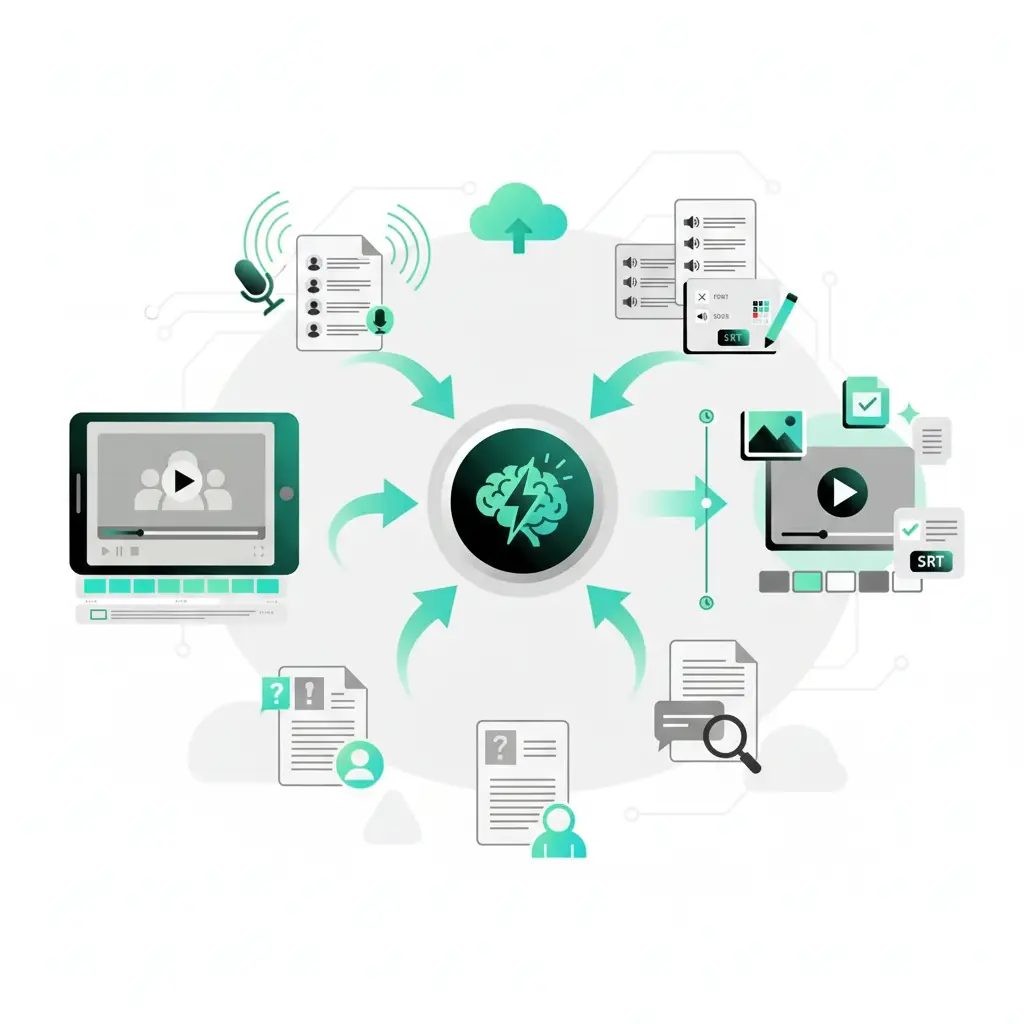
Secure and private audio-to-text processing
- Encrypted transfers: HTTPS for uploads and downloads
- Private processing: Content is used only for transcription
- User control: Delete files and transcripts anytime
- Security and compliance readiness: We are working toward SOC 2 Type II, ISO 27001 and HIPAA readiness.
See the privacy policy for how data is handled.
How to convert audio to text in 3 steps
1. Upload an audio file
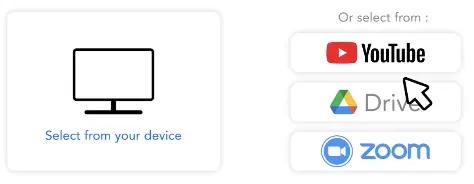
Upload an MP3, M4A, WAV or other supported audio file, then select the language spoken in the recording. For interviews or meetings, choose speaker-based segmentation.
2. AI speech to text
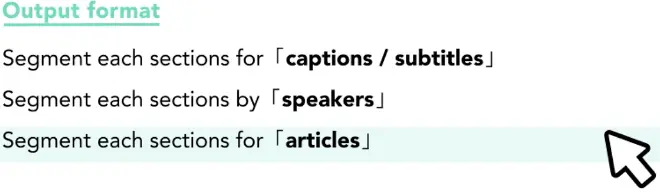
Choose a standard transcript, speaker-based segments or subtitles. AI converts speech to text with timestamps and punctuation; speaker-based segmentation also separates speakers.
3. Edit and export
Sign in to review the transcript alongside the recording, correct names and technical terms, and export the transcript or subtitles.
Audio to text tutorial: transcribe, edit and export
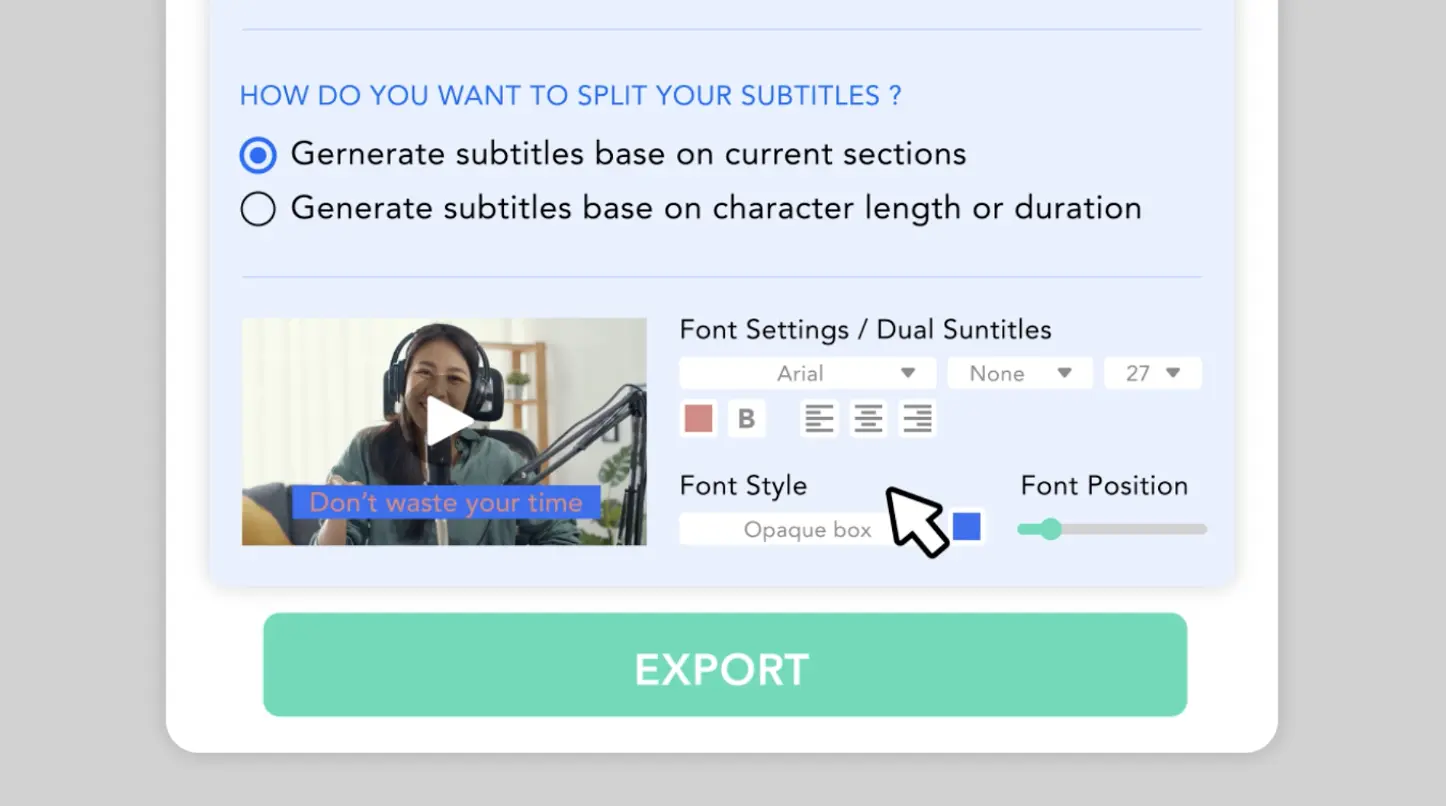
This tutorial shows how to convert audio to text: upload a recording, let AI segment the transcript, make corrections, and export subtitles or documents.
See how to transcribe MP3, M4A and WAV recordings into timestamped text using Taption’s browser-based editor.
Taption supports 40+ transcription languages and 50+ translation languages for translated transcripts and bilingual subtitles.

Audio to text FAQ
How do I convert audio to text online?
Upload an audio file, select its spoken language and choose a transcript format. Taption generates text with timestamps and punctuation. Sign in to review the draft against the recording, edit it and export a document or subtitle file.
Can I transcribe an audio file to text for free?
Yes. Use the uploader on this page to try a clip up to 5 minutes and 200 MB. For the account-based workflow, new accounts get 20 free transcription minutes with no credit card required.
Is Taption free audio-to-text transcription software?
Taption offers a limited free trial, rather than unlimited free transcription. You can test a short clip here or use the 20 free minutes included with a new account. After your account’s free minutes are used, continued transcription requires paid minutes. See Taption’s transcription plans for details.
What audio file formats can I transcribe to text?
Taption supports MP3, WAV, M4A, AAC, FLAC, WMA, OPUS and other common audio formats. Upload meeting recordings, interviews, podcasts, lectures or voice memos directly from your device.
How does AI audio-to-text transcription work?
AI speech recognition analyzes the recording and converts spoken words into a transcript with timestamps and punctuation. Speaker-based segmentation can separate different speakers. Accuracy depends on the recording quality, background noise, overlapping voices and the selected language, so review the draft before sharing it.
What is the difference between audio-to-text transcription and speech-to-text?
The terms overlap: speech-to-text is the technology that recognizes spoken words, while audio-to-text transcription usually describes turning a recorded audio file into a written transcript. Taption uses AI speech-to-text technology to produce editable transcripts from uploaded recordings.
Which languages can Taption transcribe and translate?
Taption supports 40+ transcription languages and 50+ translation languages. Select the language spoken in your recording when uploading, then use transcript and subtitle translation to create another language version after transcription.
Can I transcribe a video instead?
For MP4, MOV and YouTube videos, use the video to text converter to generate an editable transcript.
What is the difference between SRT and VTT?
SRT is widely used for YouTube and video editors, while VTT is designed for HTML5 web players. Taption supports both.
Does Taption support speaker diarization?
Yes. Choose speaker-based segmentation to detect speaker changes in meetings, interviews and discussions. You can review the segments and rename speaker labels in the editor. Learn more about automatic speaker labeling.
Does Taption support Simplified Chinese transcription?
Yes. You can transcribe Mandarin audio into Simplified Chinese with speaker labels, terminology tools, and subtitle export. Learn more about Mandarin audio to text with Simplified Chinese output.Does Taption support Traditional Chinese transcription?
Yes. You can transcribe Mandarin audio into Traditional Chinese with speaker labels, terminology tools, and subtitle export. Learn more about Traditional Chinese transcription.