
Subtitle Translation
Translate Audio to Bilingual Subtitles
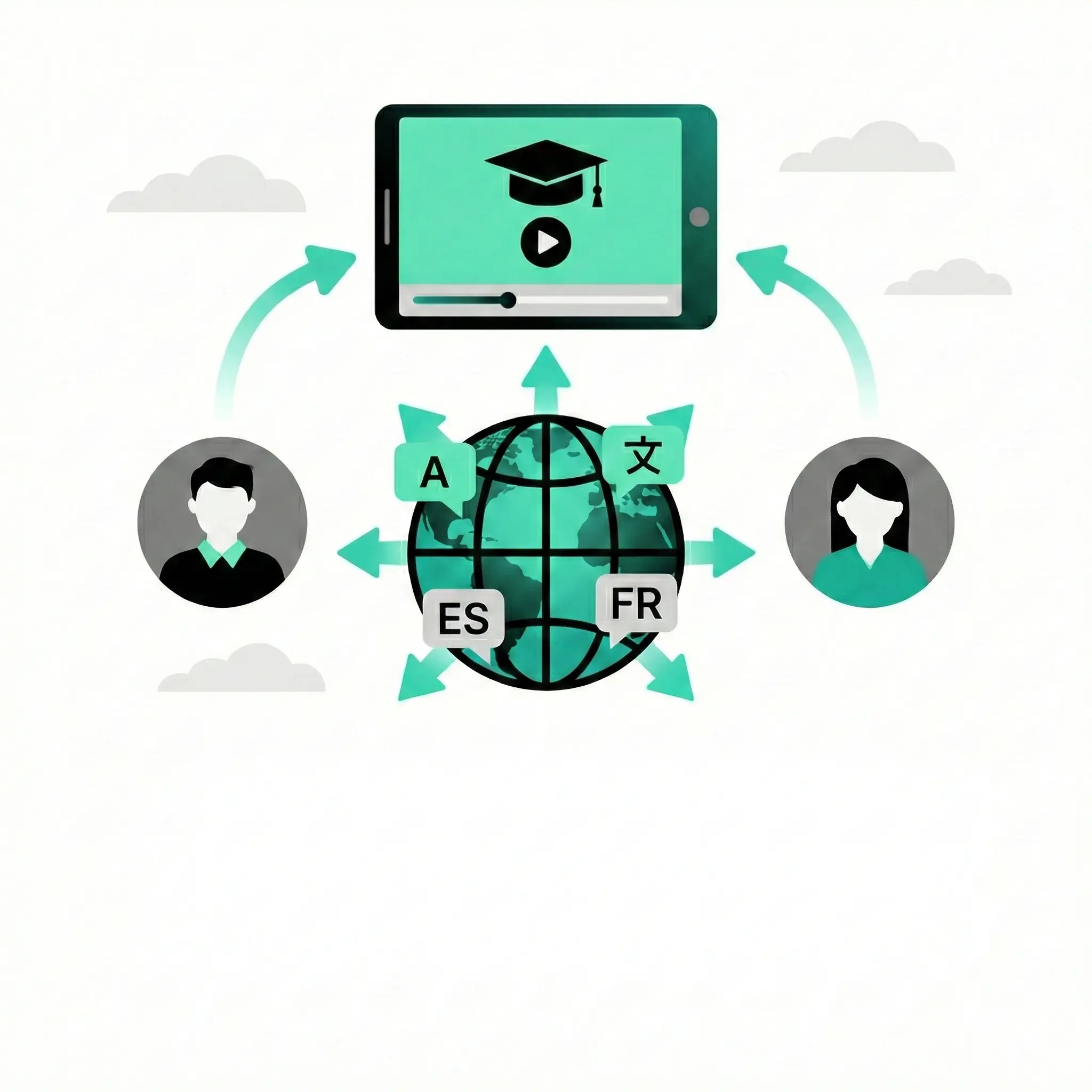
Translate video audio into bilingual subtitles in 50+ languages. Generate accurate closed captions to support accessibility and engage hard-of-hearing audiences. Supports English to Spanish, Chinese, French, and 40+ pairs. The ideal tool for YouTube creators, educators, and businesses.
Start your free trial!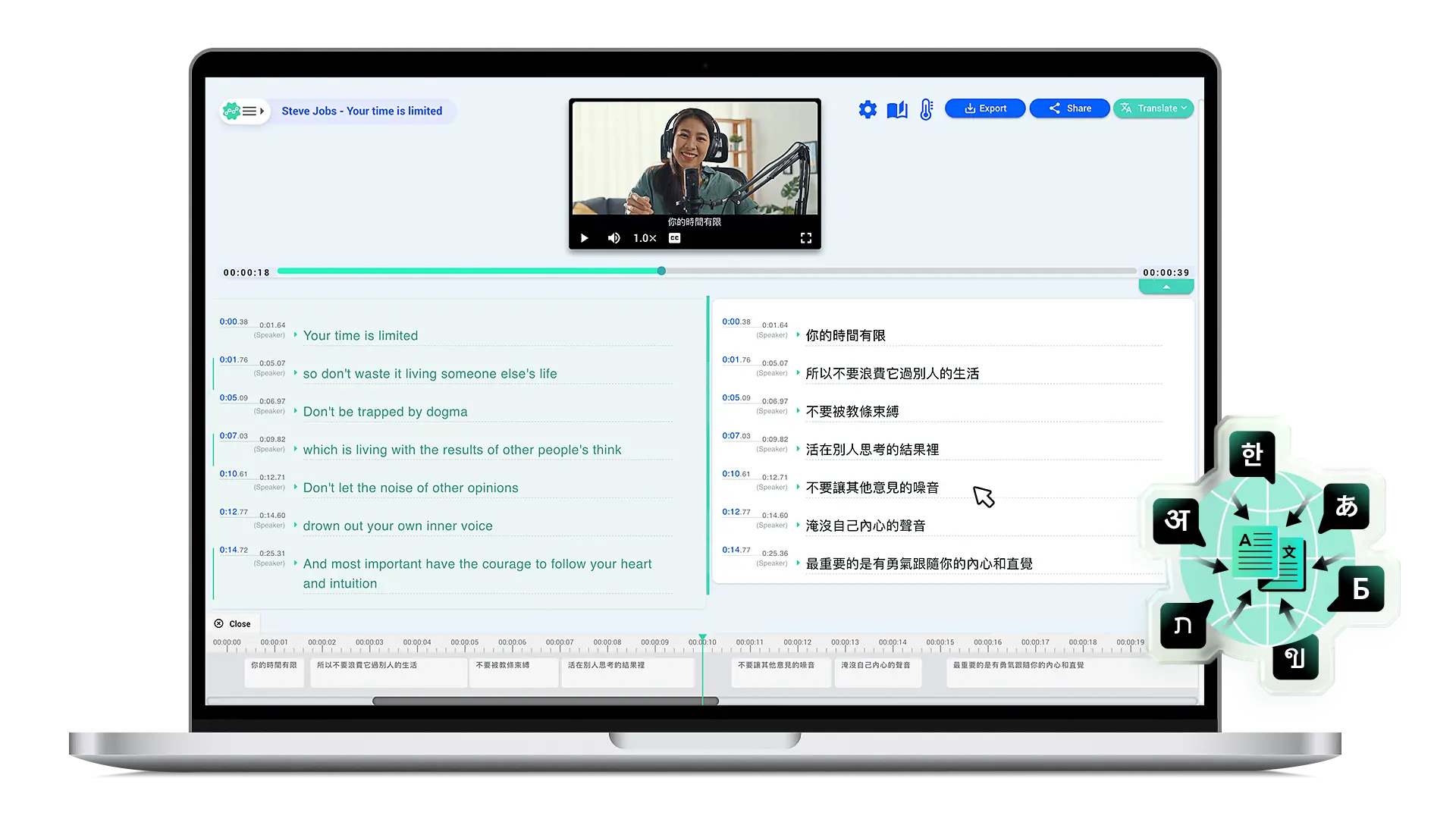
Step 1: Upload & transcribe your video
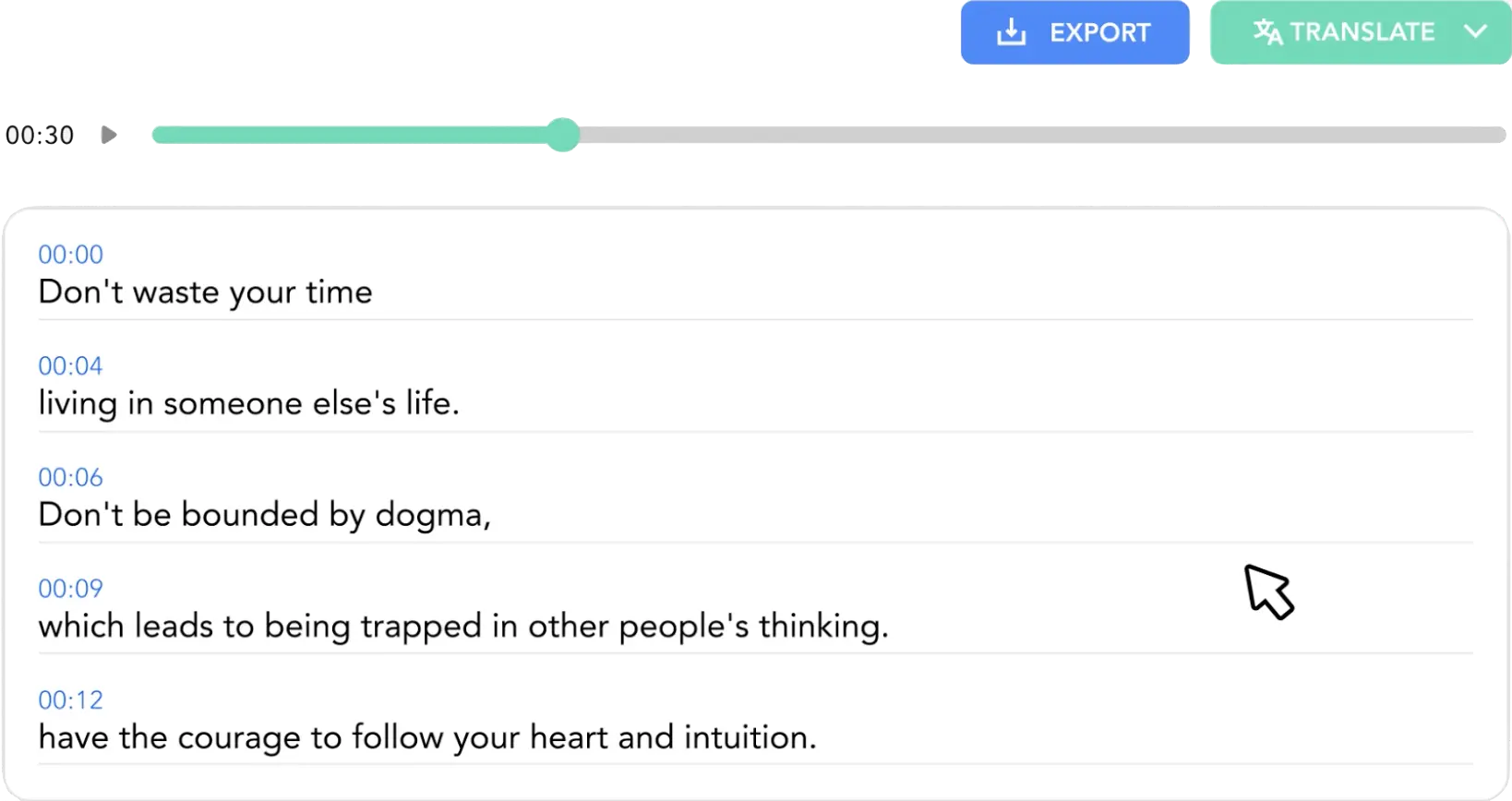
Upload your video file (MP4, MOV, AVI, and more) or paste a YouTube URL directly. Select the source language to auto-generate a precise, time-synced transcript of your audio.
Step 2: Translate in the editor
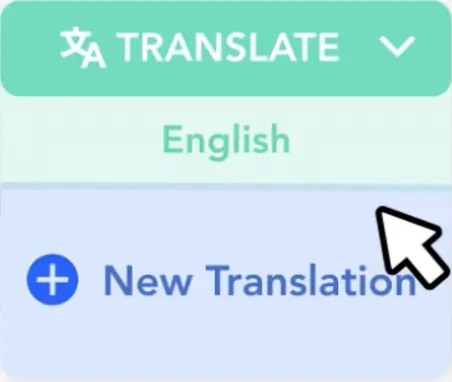
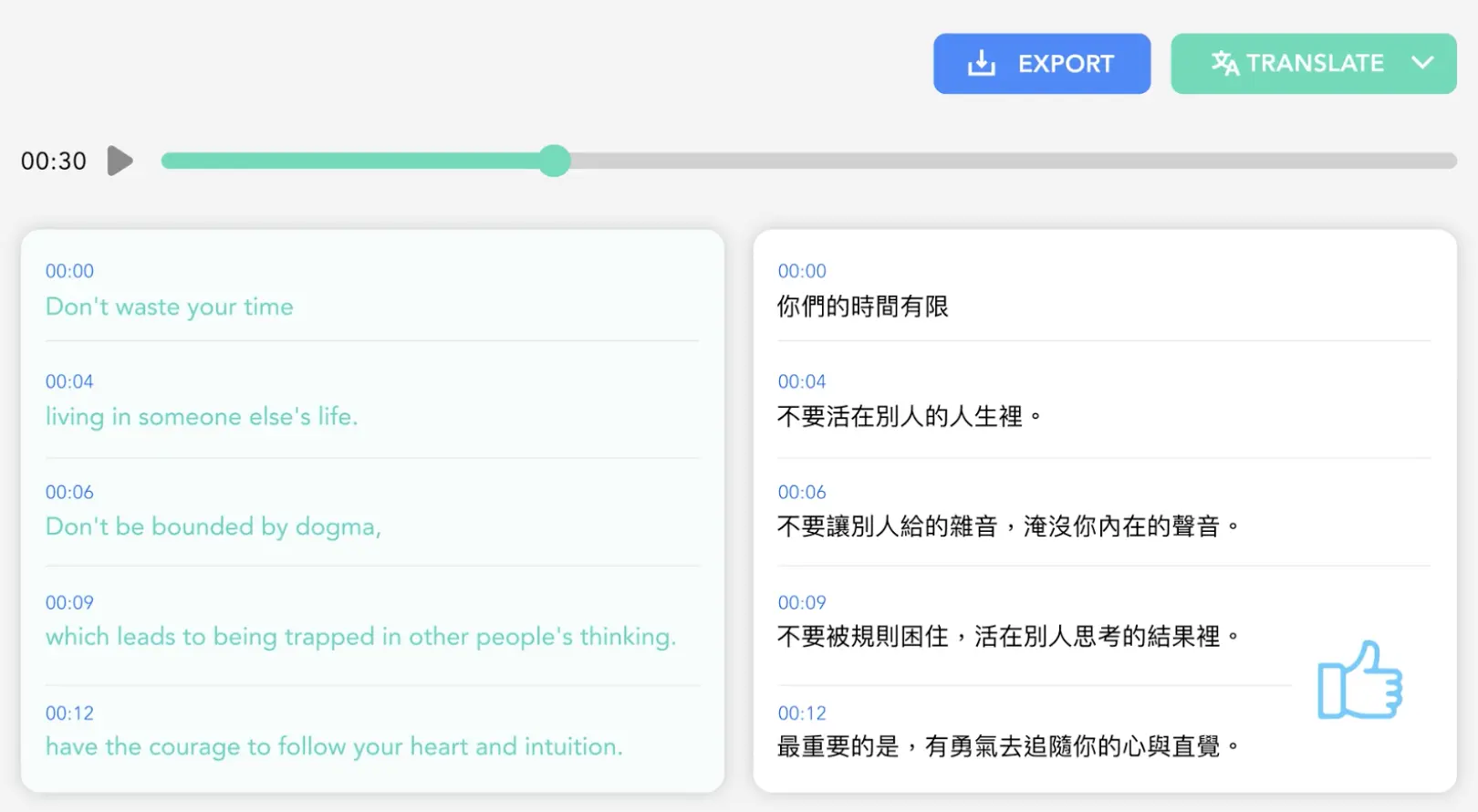
Open the text editor to review your transcript. Click Translate to convert your video into 50+ languages, including English to Spanish, Chinese, Japanese, and Korean, using neural machine translation.
Step 3: Review & export subtitles
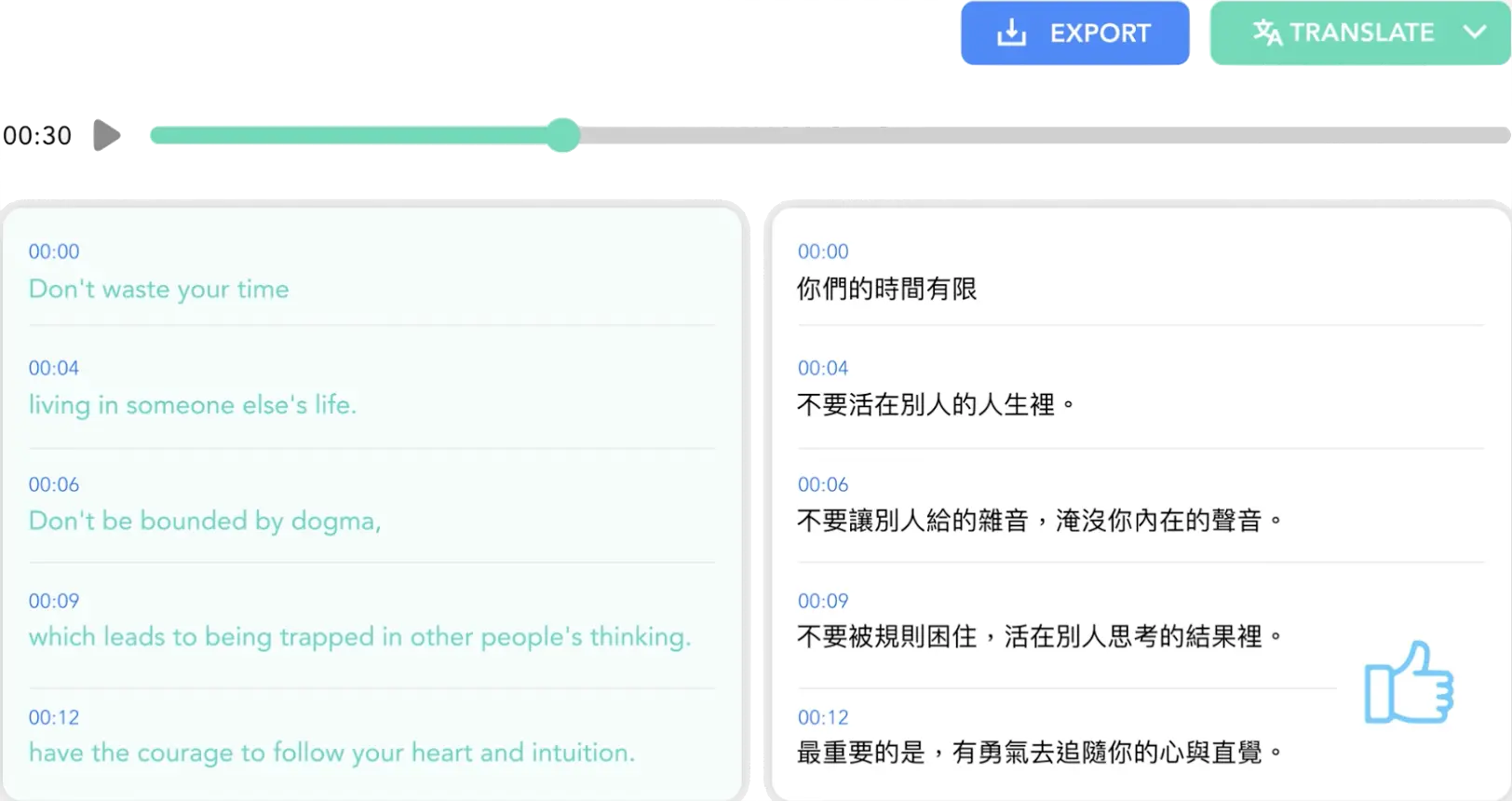
Refine your translated subtitles for perfect timing. Export professional caption files in SRT (SubRip), VTT, TXT, or FCPXML formats compatible with YouTube and video editing software.
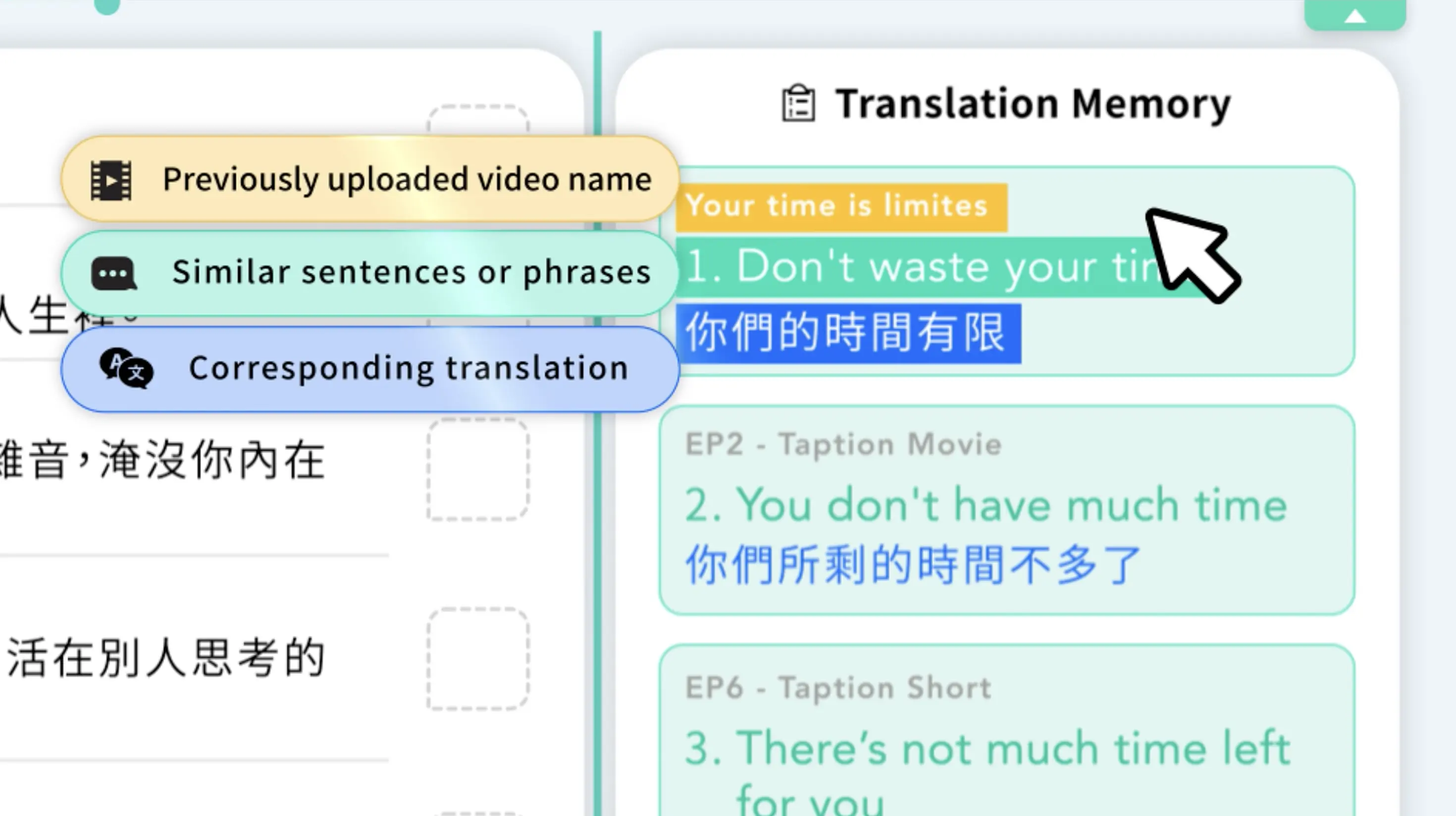
Smart translation memory: Avoid translating the same phrase twice
Taption automatically learns from your edits. When you've translated a sentence or technical term before, our AI remembers it and recommends the best match for your new videos.
- Boost efficiency — reuse past translations automatically for series or recurring content
- Ensure consistency — keep brand and technical terminology identical across projects
- Smart matching — detects similar phrasing and context, not just exact text matches

Solving common subtitle translation problems
Taption's video translator addresses common subtitle translation challenges with precision tools:
- Timing Sync: Maintains precise time-codes so subtitles stay synchronized with video and audio
- Line Breaks & Reading Speed: Optimizes subtitle segmentation for comfortable viewing pace
- Editable Output: Review and refine translations before export to ensure accuracy
Our web-based platform works directly in your browser—no software download required. For more details on creating bilingual subtitles, check out this tutorial. Watch the video below to see our automated transcription and translation workflow in action:
YouTube video translation made simple
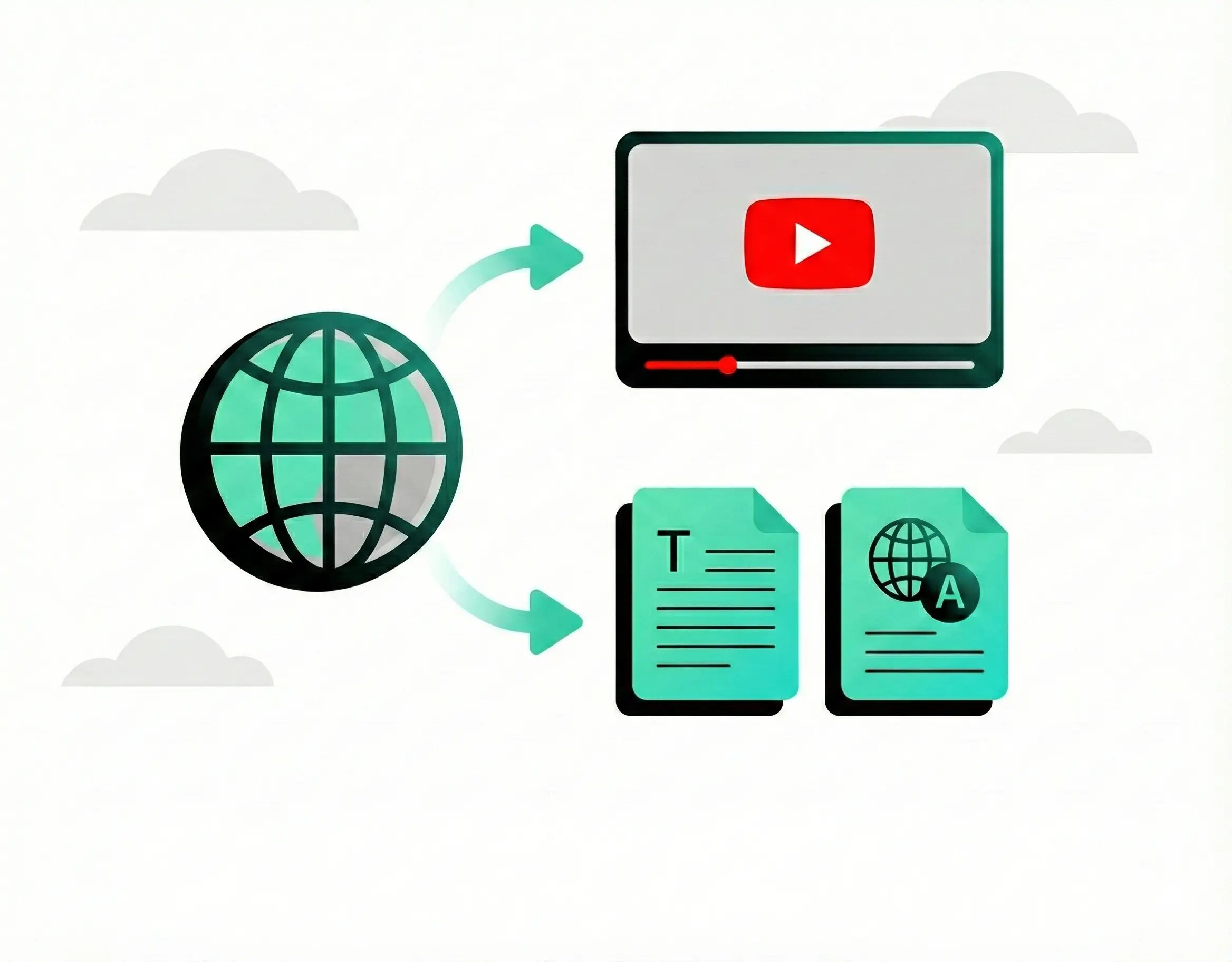
Expand your reach to international audiences instantly. Simply paste your YouTube URL, and our AI handles the rest:
- Direct Import: Automatically downloads and transcribes your video from the URL.
- SEO Boost: Captions help YouTube understand your content and improve discoverability for global viewers.
- Studio Ready: Export SRT or VTT files formatted specifically for swift upload to YouTube Studio.
- Global Access: Make your content searchable and accessible to millions of non-English speakers.
SRT translation for professional video production
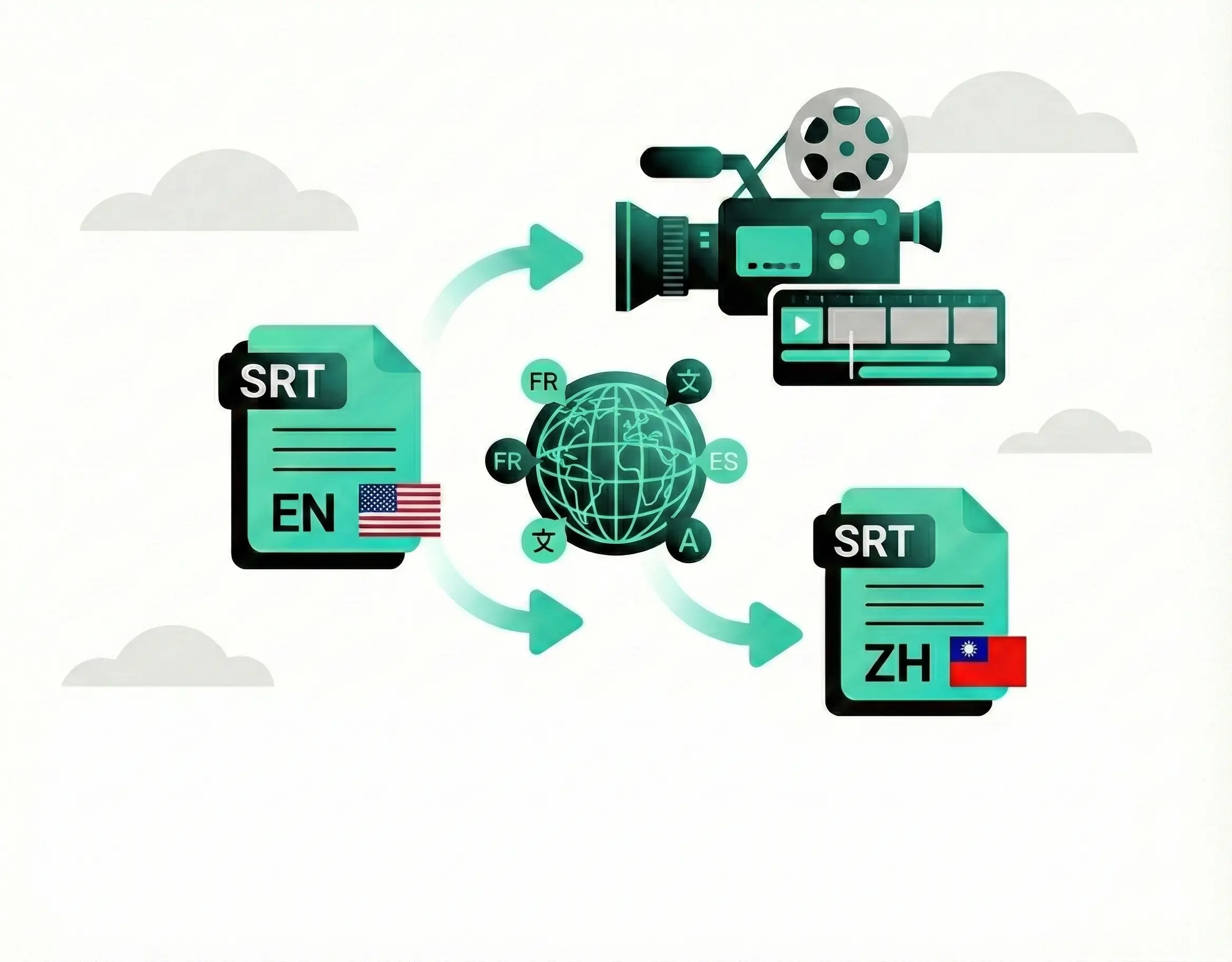
Filmmakers and editors rely on Taption to fit translation into their existing post-production workflow. We specialize in precision timing:
- Timecode Integrity: Translate text while preserving the original millisecond-perfect timing of your SRT files.
- NLE Compatibility: Export production-ready files for Adobe Premiere Pro, Final Cut Pro (FCPXML), and DaVinci Resolve.
- Universal Formats: Full support for SRT and VTT formats.
- High-Quality Output: Perfect for broadcasters and streaming services requiring broadcast-standard caption files.
Educational video translation for global learning
Break down language barriers for students and corporate teams. Taption is the preferred tool for universities and online course creators:
- Bilingual Subtitles: Display the original language and translation simultaneously—a critical feature for ESL programs and language acquisition.
- Academic Accuracy: Our AI is tuned to handle technical terminology and academic language with high precision.
- Google Drive Integration: Seamlessly import lecture recordings directly from your cloud storage.
- Global Training: Easily localize corporate training materials for distributed international teams.
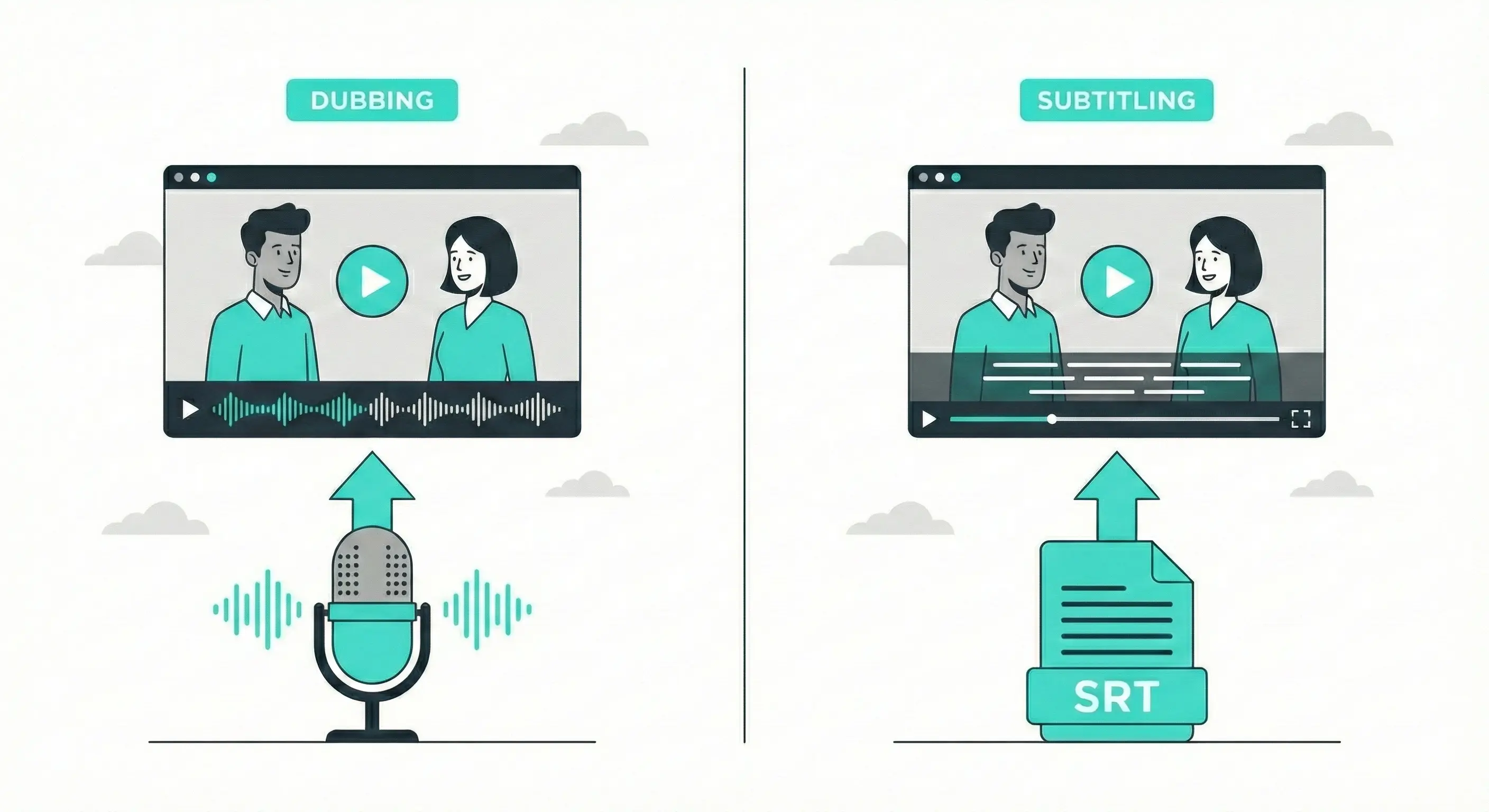
Dubbing vs. subtitling: Why choose subtitles?
While AI dubbing is popular, subtitle translation remains the smarter choice for authenticity and discoverability:
- Preserve Emotion: Keep the original speaker's voice, tone, and acting performance intact.
- Better SEO: Search engines crawl text captions (indexing your keywords), but they cannot "listen" to dubbed audio.
- Cost-Effective: Achieve accurate results for a fraction of the cost and time of AI voice cloning.
- Accessibility First: Subtitles are essential for deaf and hard-of-hearing audiences, whereas dubbing does not solve accessibility needs.
Frequently asked questions about video translation
Does Taption dub the voice or translate subtitles?
Taption focuses on subtitle translation and transcription. Unlike AI dubbing which alters the original speaker's voice, our tool preserves the original emotion and audio while providing accurate bilingual subtitles. This is often preferred for accessibility, language learning, and SEO purposes.Is Taption helpful for video accessibility and compliance requirements?
Yes. Taption generates accurate closed captions (CC) and subtitles that improve accessibility for deaf and hard-of-hearing audiences. You can review and edit captions to include details like speaker labels or meaningful non-speech sounds. If you are working toward legal accessibility requirements (e.g., ADA-related policies or the European Accessibility Act), we recommend a final human review to ensure your deliverable meets your specific standard.What is AI video translation and how does it work?
AI video translation uses advanced artificial intelligence to automatically translate video content from one language to another. Taption's AI video translator first transcribes the audio to text using speech recognition, then translates the text into your target language using neural machine translation. You can then export bilingual subtitles or translated captions in multiple formats. This process is 10x faster than manual translation.Can I translate YouTube videos directly?
Yes! Simply paste your YouTube video URL into Taption, and our AI will automatically download, transcribe, and translate it into your chosen language. This is perfect for content creators who want to reach international audiences, students translating educational content, or businesses localizing marketing videos. You can translate any public YouTube video quickly.What languages does Taption support for video translation?
Taption translates videos into 50+ languages, supporting both common and niche dialects. Our supported languages include English, Spanish, Chinese (Mandarin), French, German, Japanese, Korean, Portuguese, Italian, Russian, Arabic, Dutch, Polish, Turkish, Swedish, Vietnamese, Thai, Indonesian, Hindi, and many more. We support any-to-any translation, meaning you aren't limited to just English. Popular pairs include English to Spanish, Chinese to English, and Japanese to English.How accurate is Taption's video translation?
Our AI video translator delivers 85-95% accuracy for most content, depending on audio quality, accents, and language pairs. We use state-of-the-art neural machine translation models that understand context and idioms. You can easily edit translations in our intuitive editor to reach publish-ready quality.Can I create bilingual subtitles with source and translation?
Absolutely! Taption excels at generating bilingual subtitles that display both the original language and translation simultaneously. This is perfect for language learning, international audiences, or accessibility. You can customize the styling, positioning, and formatting of bilingual subtitles before exporting to SRT, VTT, or embedded formats.What subtitle formats can I export?
Taption supports all popular subtitle formats including SRT (SubRip), VTT (WebVTT), TXT, and FCPXML. You can also export bilingual subtitles or download translated transcripts as documents. Multiple export options ensure compatibility with YouTube, Vimeo, Facebook, Instagram, LinkedIn, and all major video platforms.