
AI Transcription & Speech to Text
Turn Audio and Video into Text
An easy-to-use audio to text converter online. Generate timestamped transcripts with speaker diarization, auto punctuation, and editable formatting.Speech to text (AI-powered)Timestamped transcriptsSpeaker diarization50+ supported languages
Start Free – Upload Audio or Video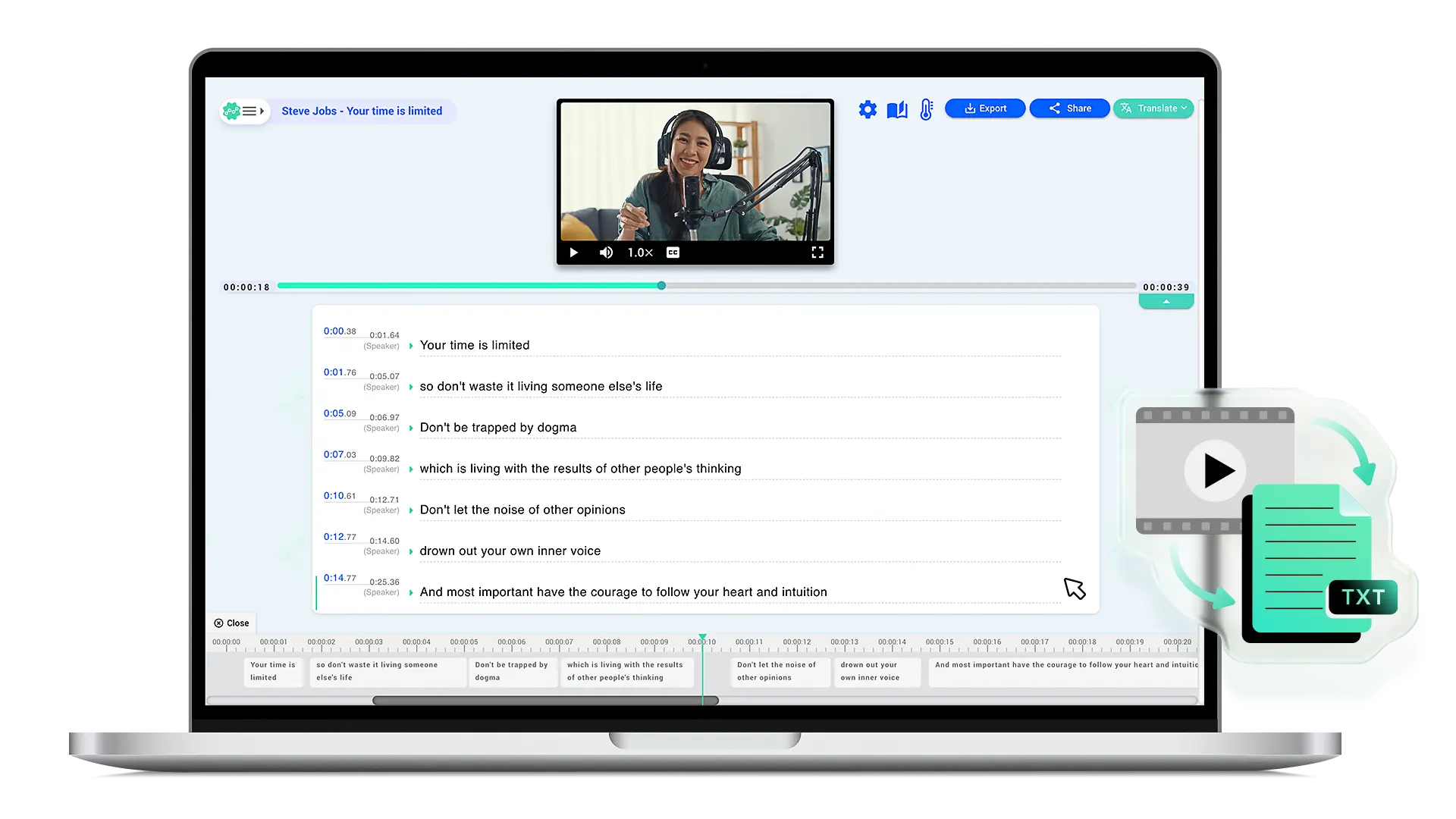
Why professionals choose Taption for audio transcription
- Timestamped transcripts: Click text to jump to the exact moment, for quick review and citation
- Auto-segmentation + editable: AI generates first, then refine quickly
- Speaker diarization: Automatically separate speakers in meetings and interviews
- Multi-format output: Subtitles and transcripts in one go
- Flexible sources: MP4 / MP3 / YouTube / Google Drive / Zoom / paste audio or video URL
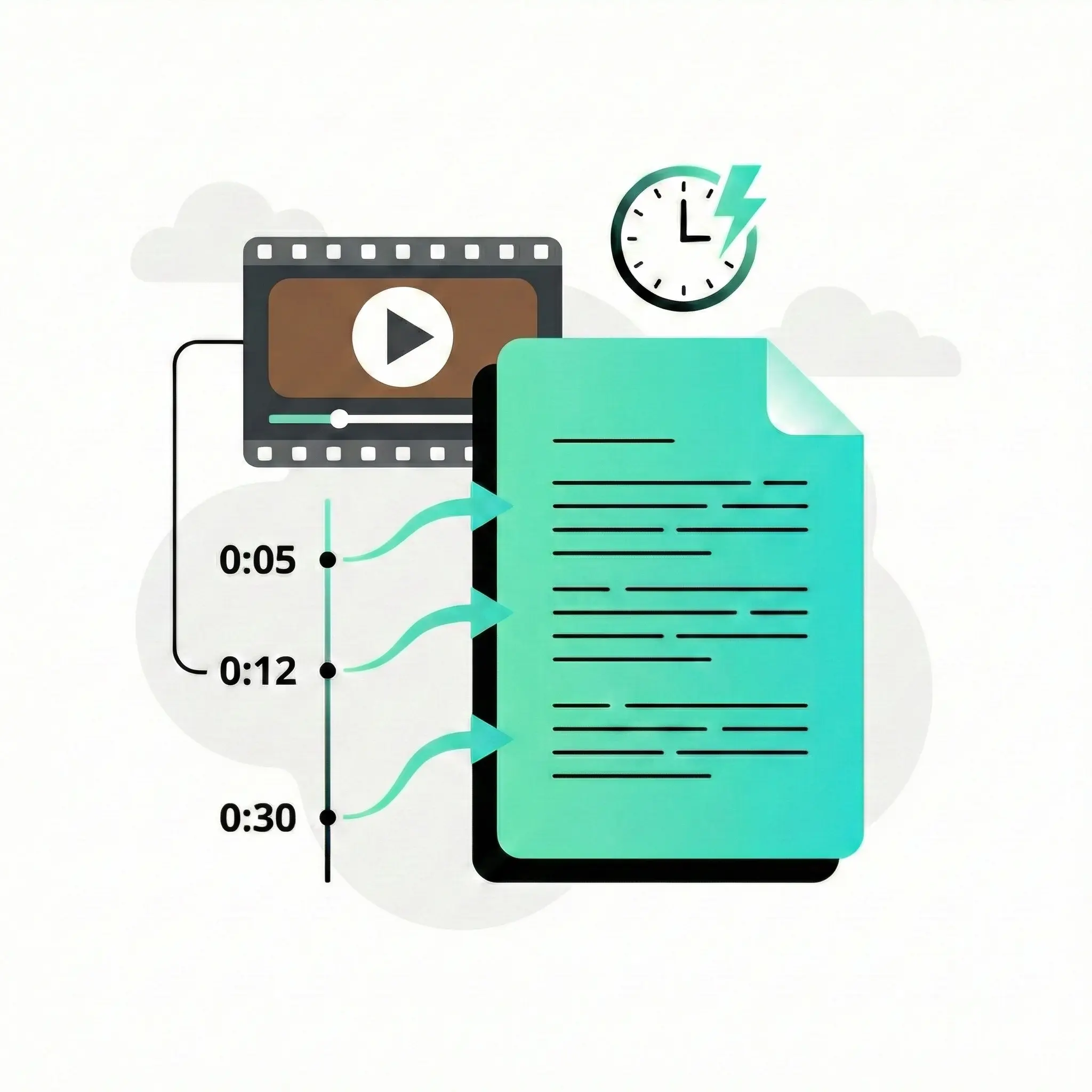
Manual typing vs AI speech to text
Comparison:
| Manual Transcription | Taption AI |
|---|---|
| Repeated listening and typing | Automatic speech recognition |
| Manual timestamps | Built-in timecodes |
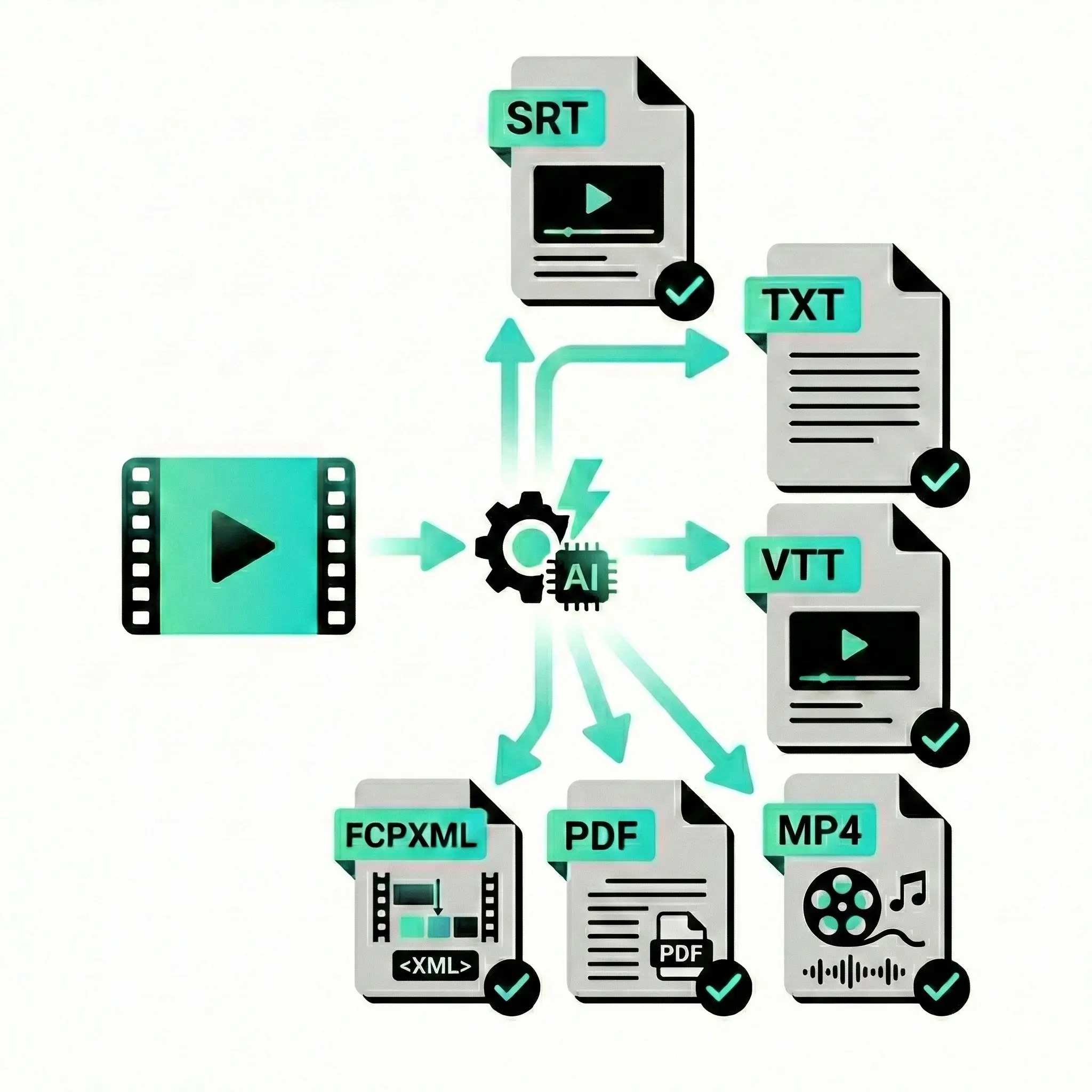
| Plain text output | SRT, VTT, FCPXML, TXT, PDF |
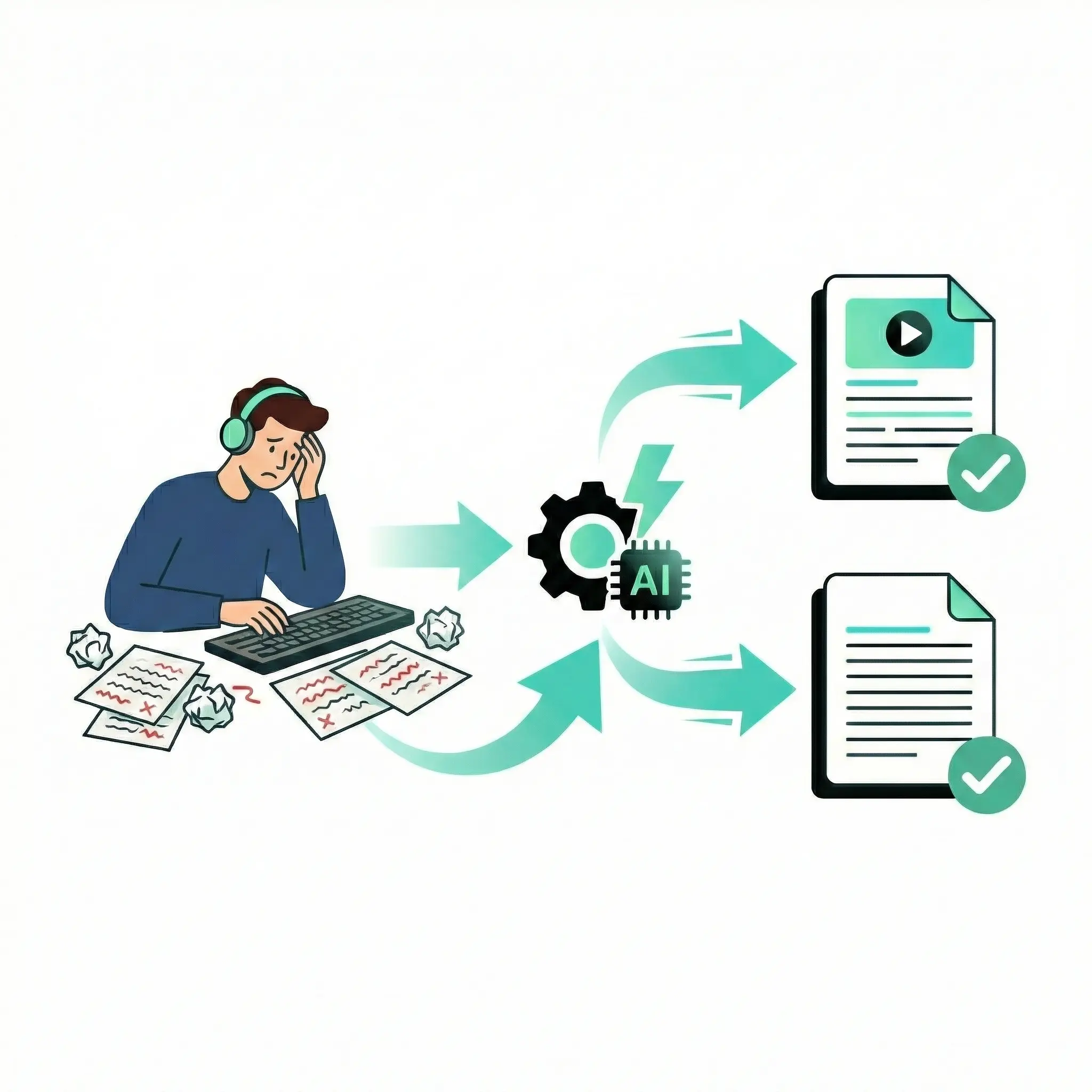
From transcript to editing with professional exports
| Format | Best for | Tools |
|---|---|---|
| SRT / VTT | Subtitles & captions | YouTube, Vimeo |
| FCPXML | Editing timelines | Final Cut Pro (FCPX) |
| TXT / PDF | Meeting notes | Docs & sharing |
Secure and private speech-to-text processing
Your files are handled with care at every step. All uploads and downloads are protected with HTTPS encryption, and your audio or video is processed only to generate transcripts and subtitles. You remain in full control — files and transcripts can be deleted at any time. Trusted by teams in business, education, and media.
- Encrypted transfers: HTTPS for uploads and downloads
- Private processing: Content used only for transcription
- User control: Delete files and transcripts anytime

1. Upload audio or video
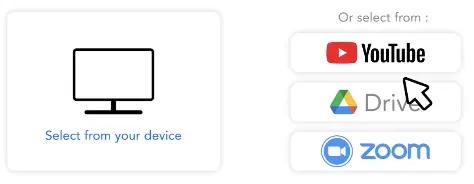
Upload MP3, M4A, WAV, MP4, or paste a YouTube or cloud storage link.
2. AI speech to text
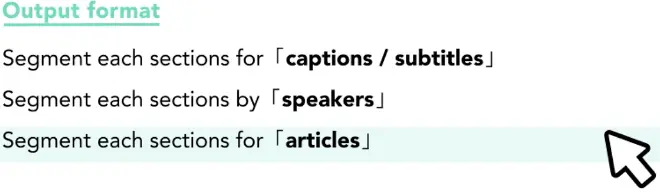
Our AI transcribes speech to text, adds timestamps, and applies speaker diarization automatically.
3. Edit and export
Review the transcript and export subtitles or documents in SRT, VTT, TXT, PDF, or FCPXML.
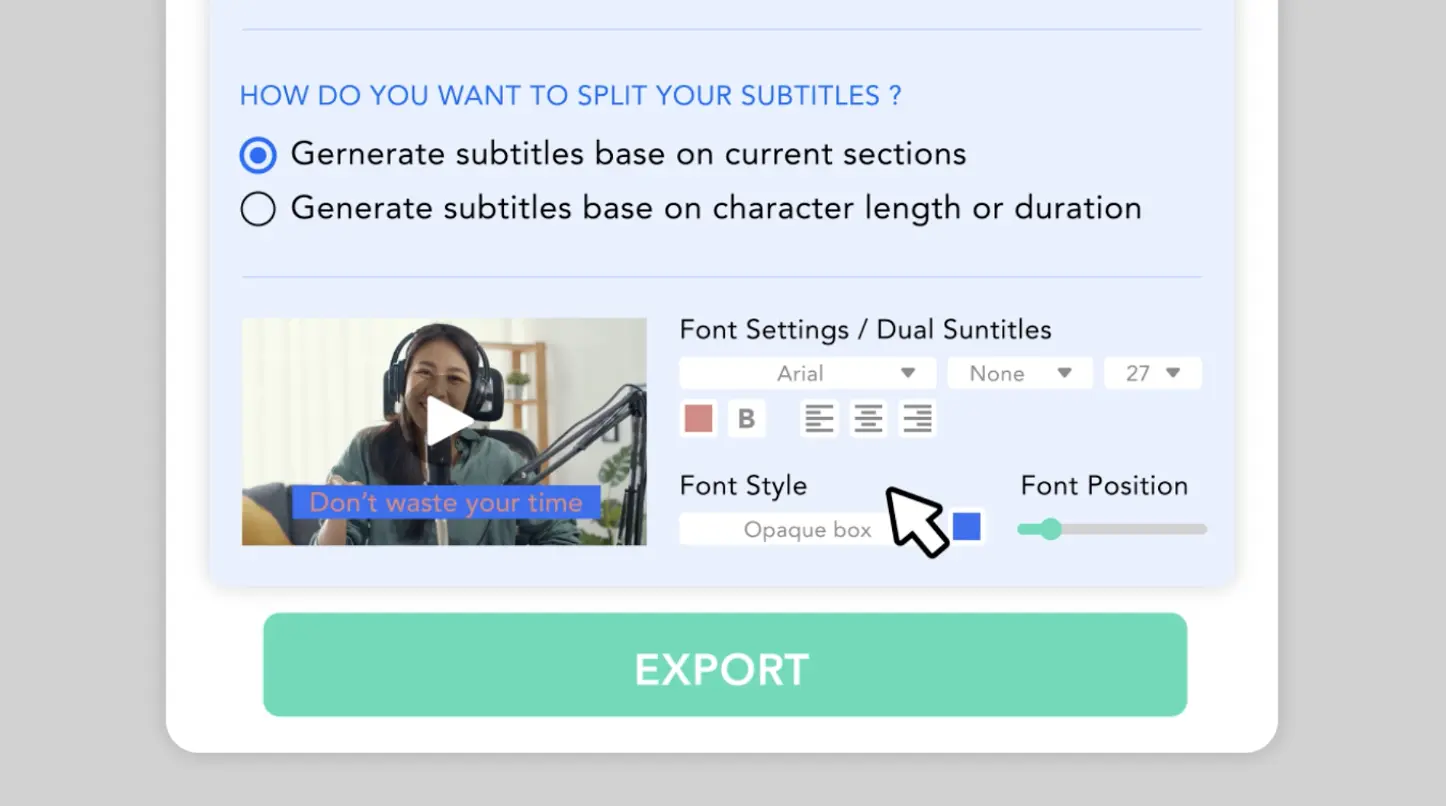
2-Minute tutorial: Convert audio & video to text and subtitles
This short tutorial shows how to convert speech to text in minutes: upload audio or video, let AI auto-segment the transcript, make quick edits, and export subtitles or documents.
You’ll see how to transcribe MP3, MP4, and YouTube videos into accurate, timestamped text using Taption’s web-based editor.
Supported workflows include: •AI speech-to-text transcription •Import existing SRT subtitle files •Import TXT transcripts •Manual text input.
Taption’s editing platform helps reduce review time and supports bilingual subtitles in 50+ languages. Watch the 2-minute walkthrough below.

Frequently asked questions
How do I convert audio to text online?
Upload an audio file or paste a link into Taption. Our AI speech to text engine automatically generates a transcript with timestamps that you can edit and export.Can I convert audio to text for free?
Yes. Taption offers a free trial so you can test audio and video transcription without a credit card.Can I generate a YouTube transcript from a link?
Yes. Simply paste the YouTube URL and Taption will extract the audio and generate a transcript and subtitle files.What is the difference between SRT and VTT?
SRT is widely used for YouTube and video editors, while VTT is designed for HTML5 web players. Taption supports both formats.Does Taption support speaker diarization?
Yes. Taption can automatically identify and separate different speakers in meetings, interviews, and discussions.