
AI Closed Captioning & Subtitle Software
Accessibility-First, Accurate, and Fast
Generate high-quality closed captions and subtitles with AI-powered speech recognition, smart segmentation, and precise timecodes. Taption helps teams create accessible, readable captions and subtitles in one unified editor—optimized for YouTube, online learning, internal meetings, and marketing videos. Supports English and 50+ languages with professional editing tools built for real-world workflows.
Start Free Captioning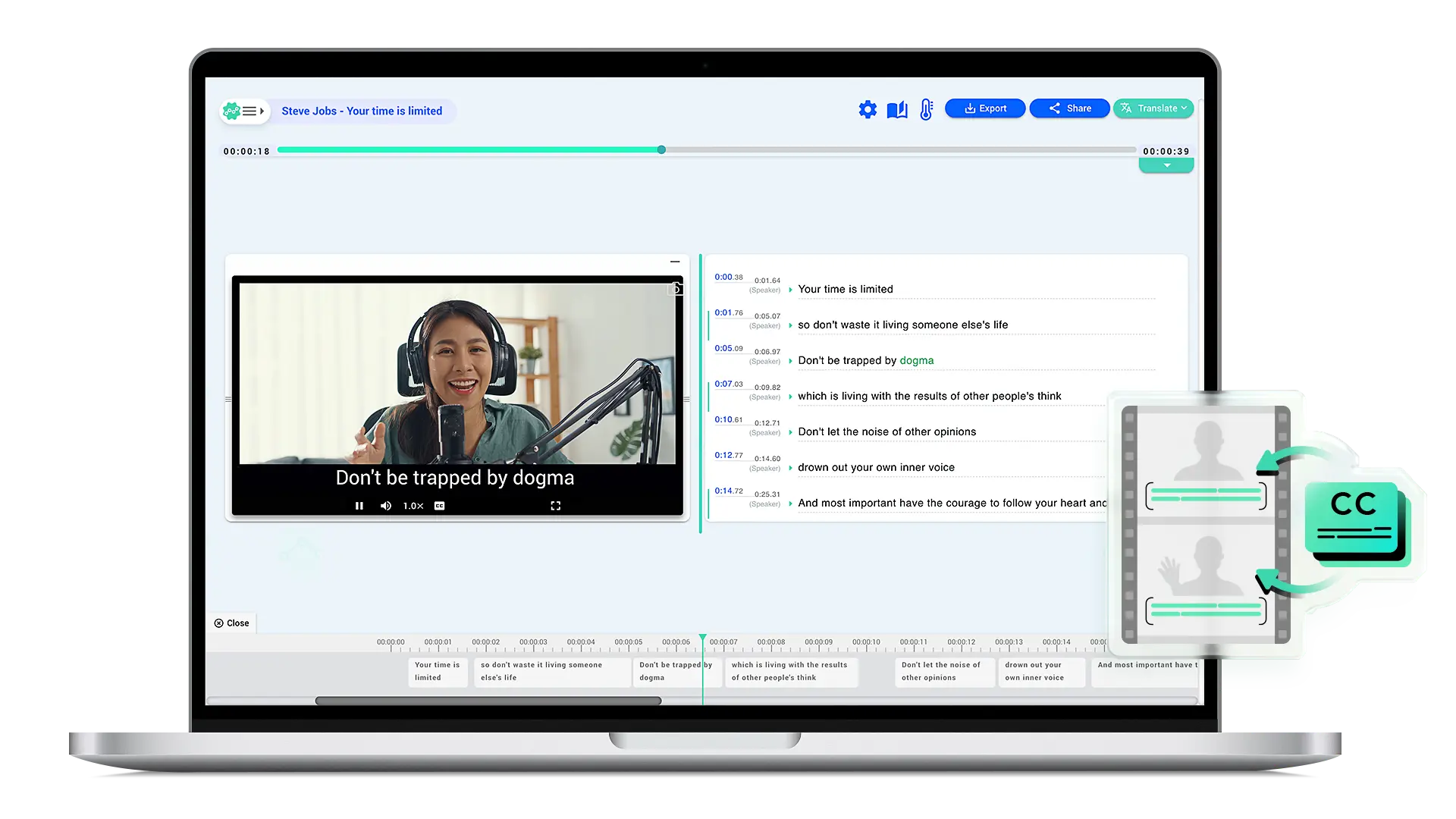
Why choose Taption for closed captioning?
Taption is more than an automatic caption generator. It is designed to solve the most time-consuming part of captioning: reviewing, correcting, and syncing captions accurately.
Key capabilities include:
- AI-powered closed captioning and subtitles
- Automatic caption segmentation for readability
- Word-level timestamps with visual timeline editing
- Global search & replace for fast corrections
- Custom vocabulary & personal dictionaries for consistent terminology
- Export: SRT, VTT, TXT, PDF, FCPXML, MP4 (burned-in captions)
- Ideal for YouTube, e-learning, meetings, and marketing videos
How to add closed captions to YouTube
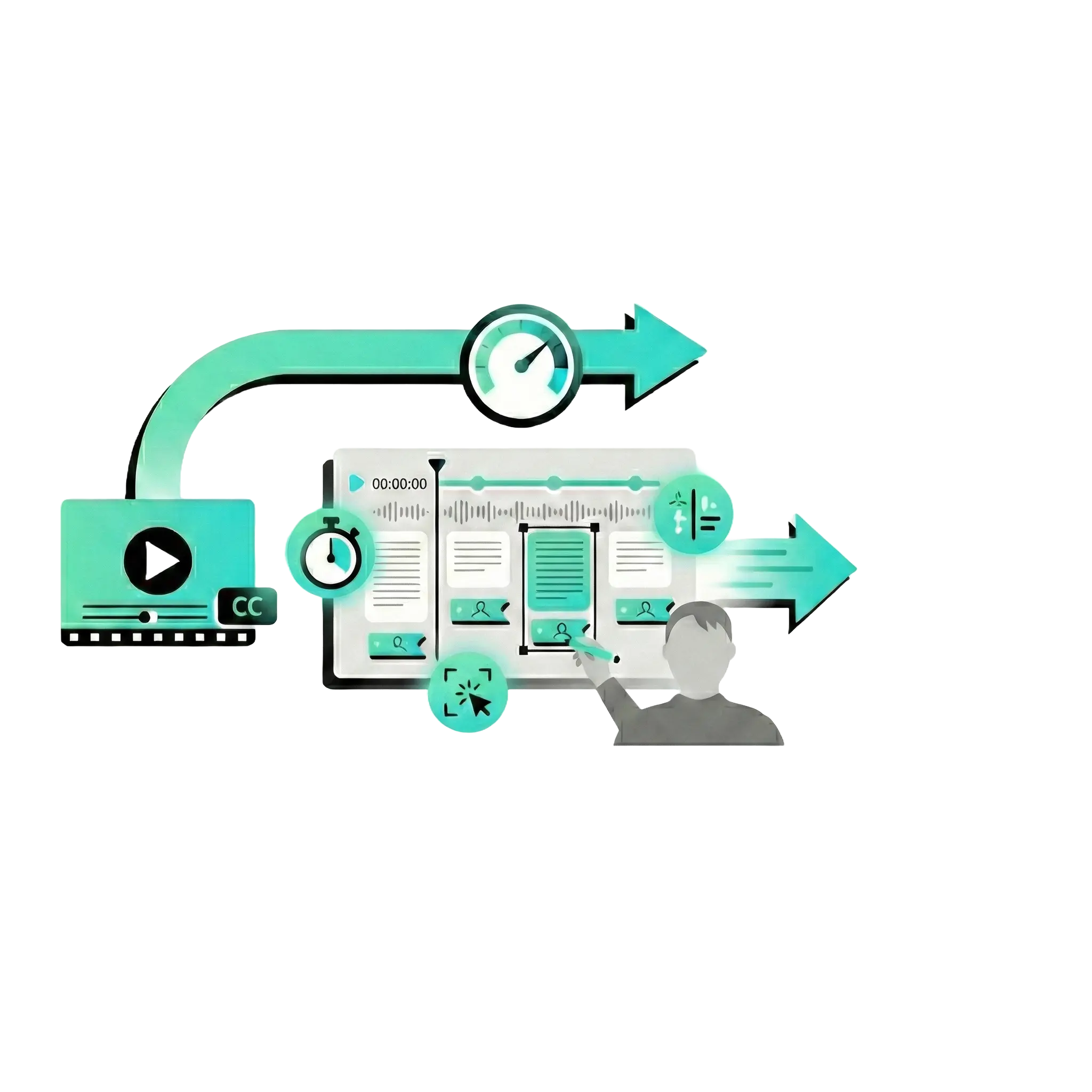
Create professional YouTube captions in just a few steps:
- Step 1: Upload your video to Taption and generate captions automatically
- Step 2: Edit text, adjust timing, and improve readability in the caption editor
- Step 3: Export SRT or VTT and upload it to YouTube Studio
No technical or captioning experience required.
Supported video sources & file formats
Common video sources:
- YouTube videos
- Zoom, Google Meet, and Webex recordings
- Google Drive video files
Supported formats:
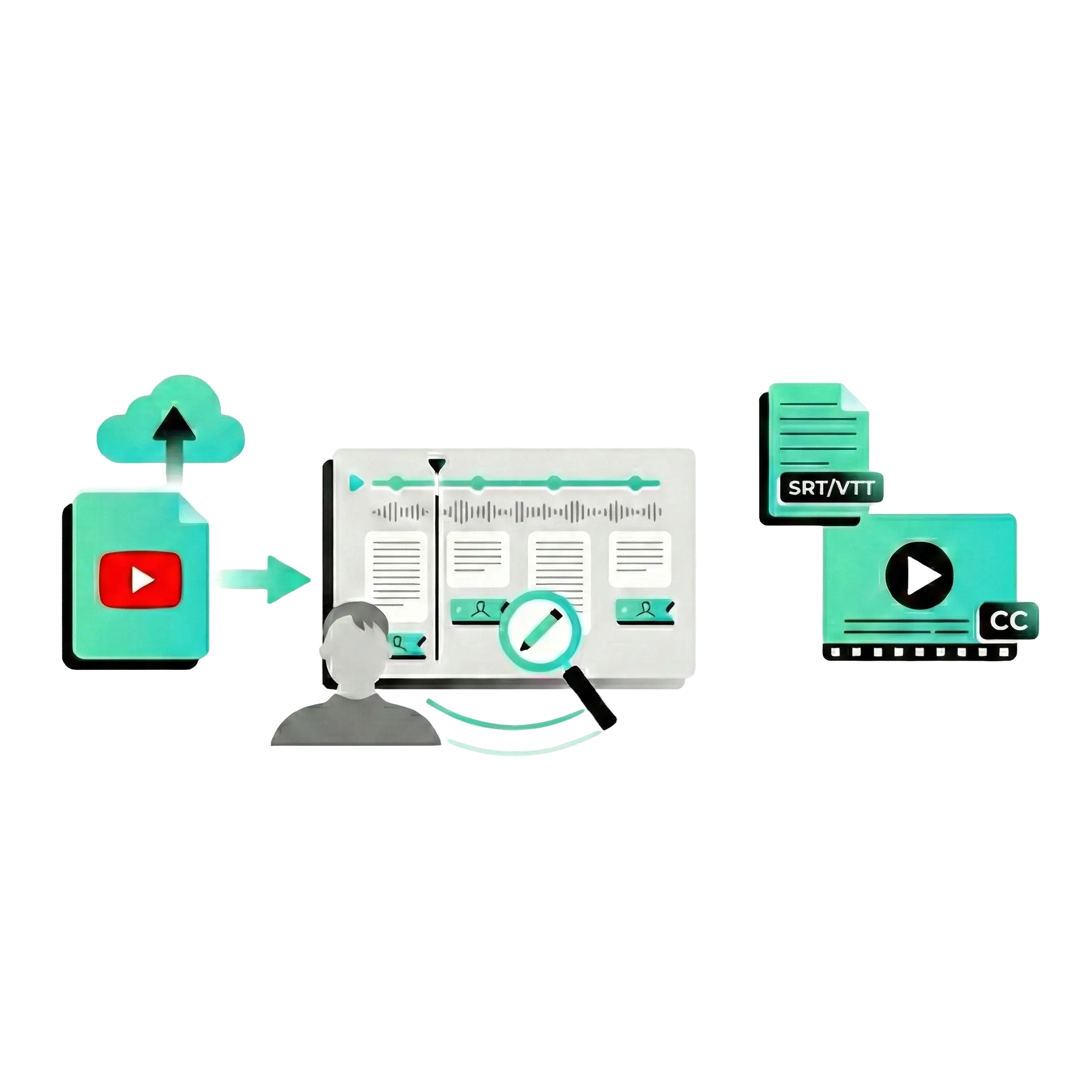
MP4, MOV, AVI, WMV, FLV, MPEG, MPG, OGG, MP3, WAV, M4A. Taption automatically handles compatibility—no manual conversion required.
AI caption editor (smart segmentation + timeline control)
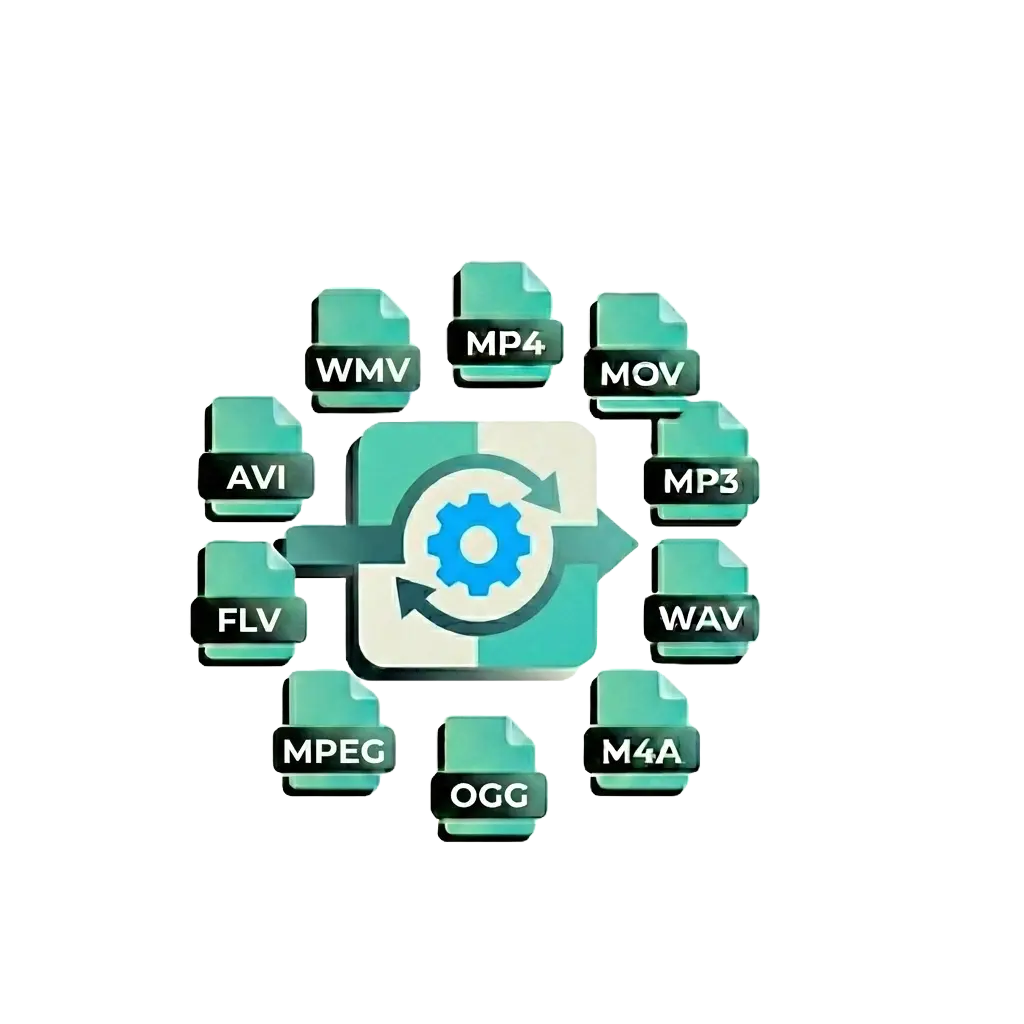
Taption's caption editor automatically embeds word-level timestamps and creates readable caption segments. You can edit text, adjust segmentation, and sync timing directly in the interface—no manual timestamp editing required. Perfect for YouTube captions, e-learning videos, and meeting recordings.

When captions contain repeated errors, inconsistent terminology, or brand name variations, Taption's 'Replace All' feature lets you batch-correct every instance in one click, eliminating repetitive manual edits. Ideal for: fixing common mistakes, standardizing technical terms, and maintaining consistent brand/people names.
Add your corrected terminology, brand names, and preferred vocabulary to the 'AI Personal Dictionary.' When you upload future videos for automatic captioning, the system will prioritize your custom terms and spelling preferences, continuously improving caption consistency and accuracy. Ideal for: corporate brand terminology, course-specific vocabulary, technical jargon, and recurring video series.
How to automatically generate closed captions (step-by-step)
Taption supports multiple captioning workflows:
- Automatic AI captioning (English and 50+ languages)
- Import existing SRT or VTT files for editing
- Convert plain text (TXT) into timed captions
- Manual caption creation for full control
After generating captions, use bulk replace and custom dictionaries to refine terminology and ensure long-term consistency across videos.
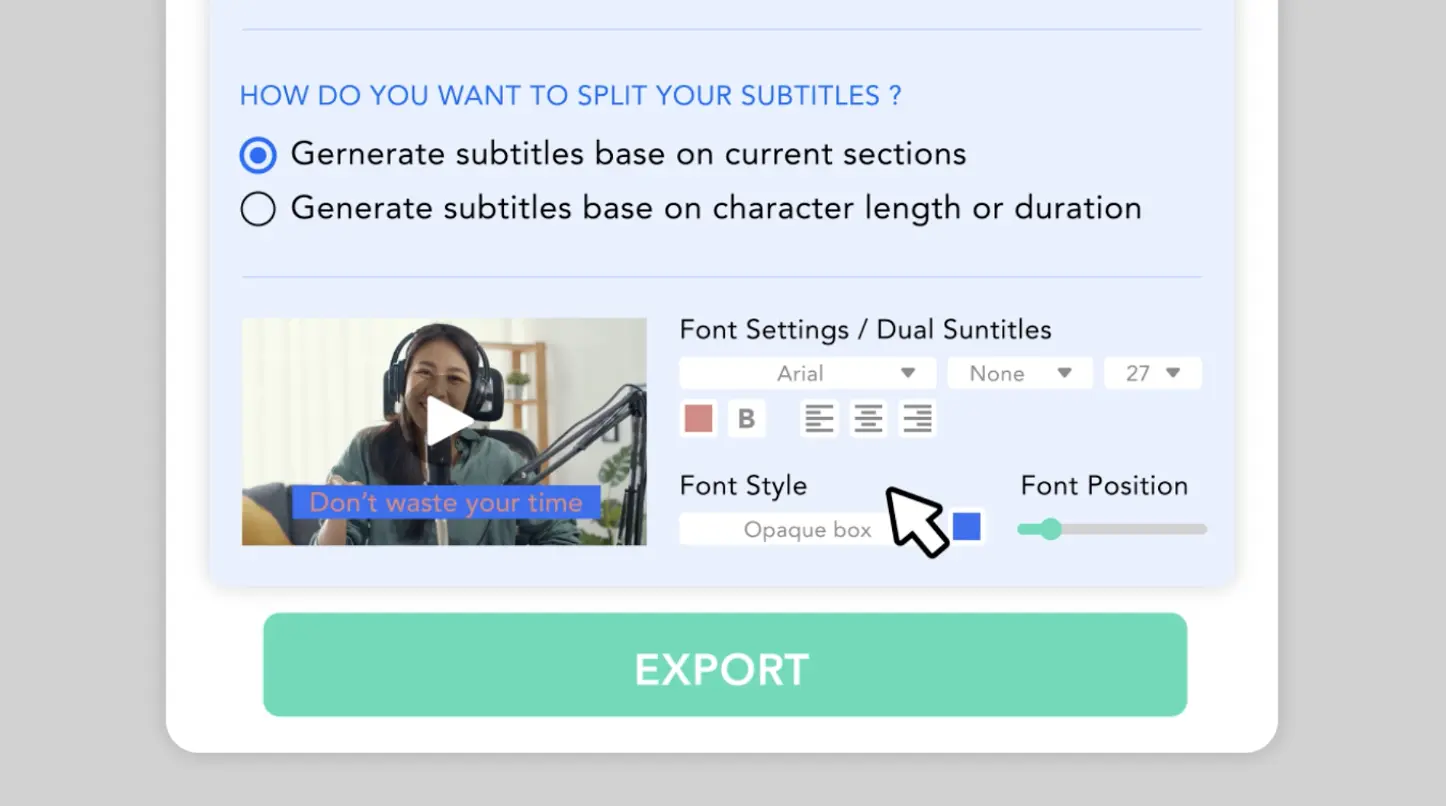
Taption exports multiple formats for maximum compatibility.
Click to watch the complete tutorial video.
Frequently asked questions
What is the difference between closed captions and subtitles?
Closed captions are designed for accessibility and include spoken dialogue as well as non-speech sounds (such as music or sound effects). Subtitles typically focus only on spoken dialogue for language comprehension. Taption supports both use cases.Are Taption captions suitable for accessibility?
Taption helps teams create clear, readable captions with precise timing—an essential foundation for accessible video content. Many users apply Taption captions to meet internal accessibility and compliance requirements.Can I use Taption for YouTube closed captions?
Yes. Taption exports SRT and VTT files that can be uploaded directly to YouTube Studio for closed captioning.How accurate are AI-generated captions?
Accuracy depends on audio quality, background noise, and speaker clarity. Taption combines AI transcription with professional editing tools to significantly reduce review time while maintaining high accuracy.Do I need video editing experience to use Taption?
No. Taption is designed for non-technical users. You can generate, edit, and export captions using an intuitive timeline-based editor.